Supported devices
Anker Eufy does not carry a list of models. It asks your eufy account what each device reports and builds the device's controls from that, so new hardware works without an app update. A device is added when it fits one of the app's categories: cameras, doorbells, HomeBases and other stations, smart locks, keypads, sensors, robot vacuums, robot mowers, smart lights and the Smart Display.
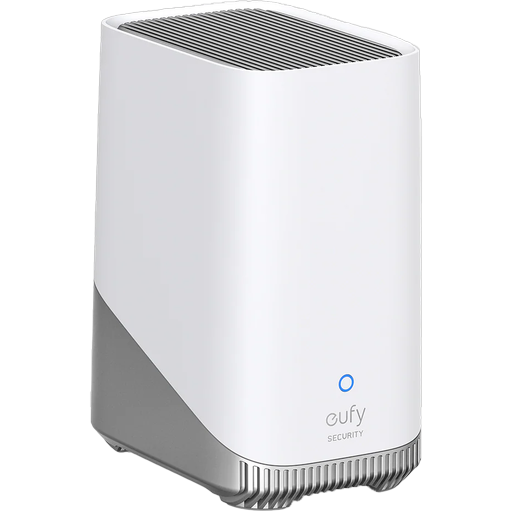
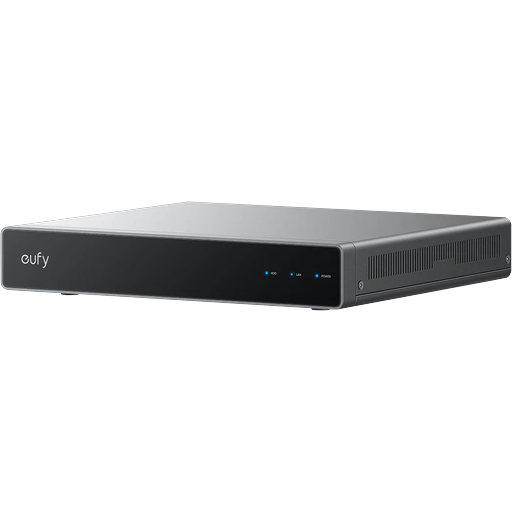
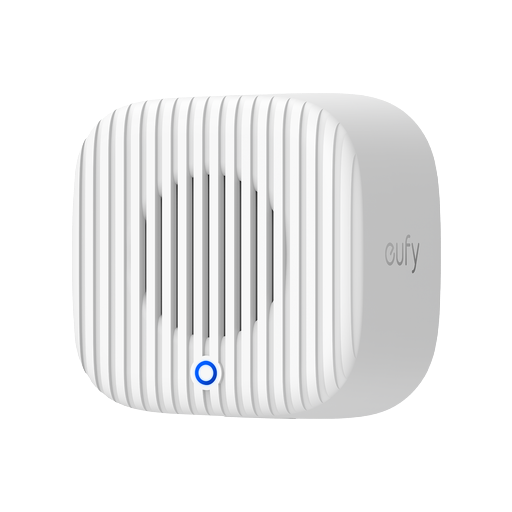
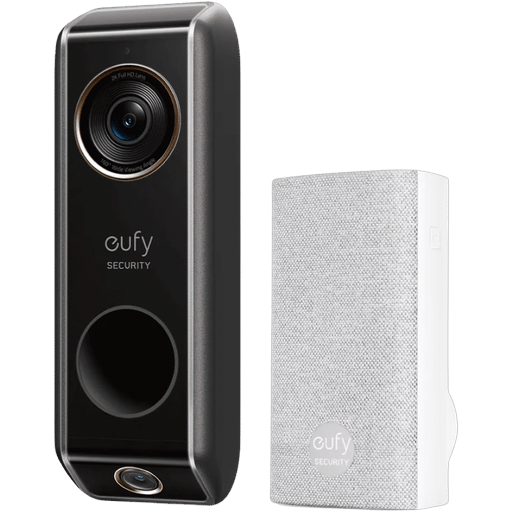
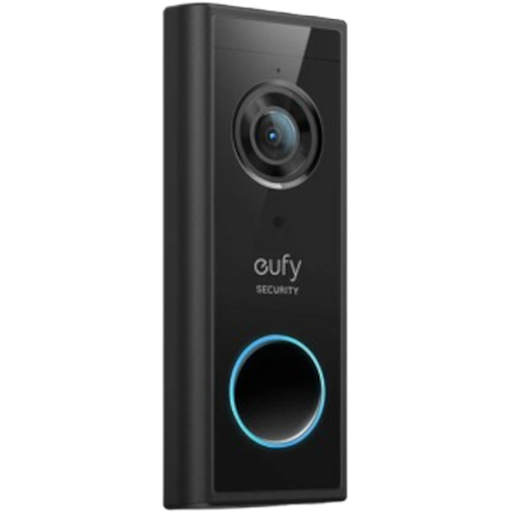
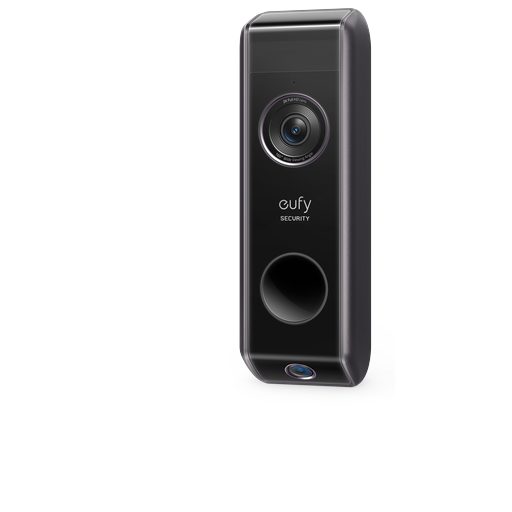
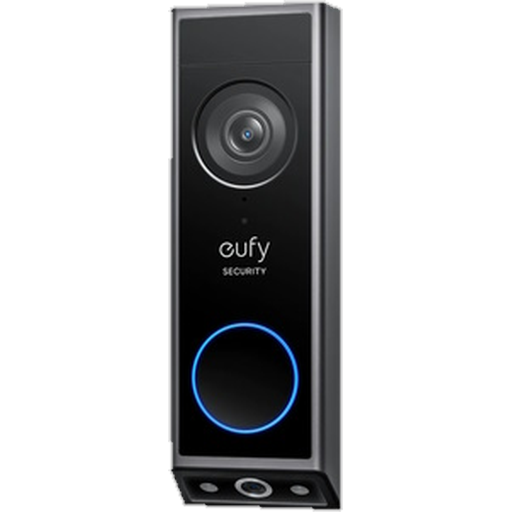
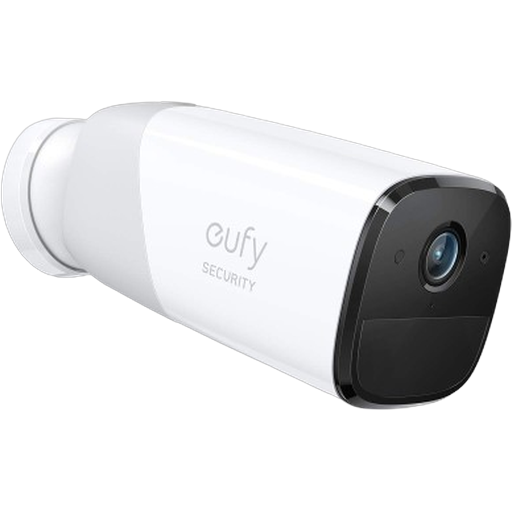
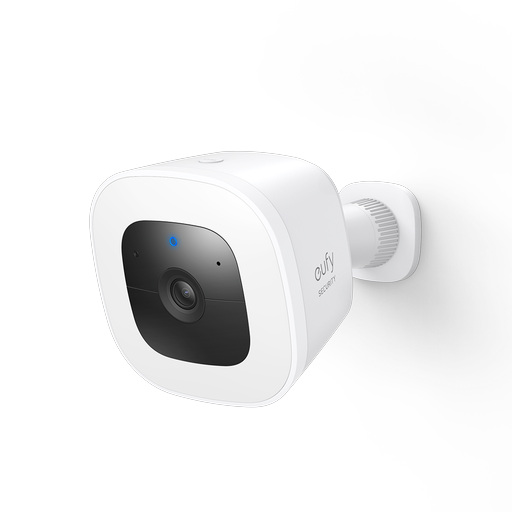
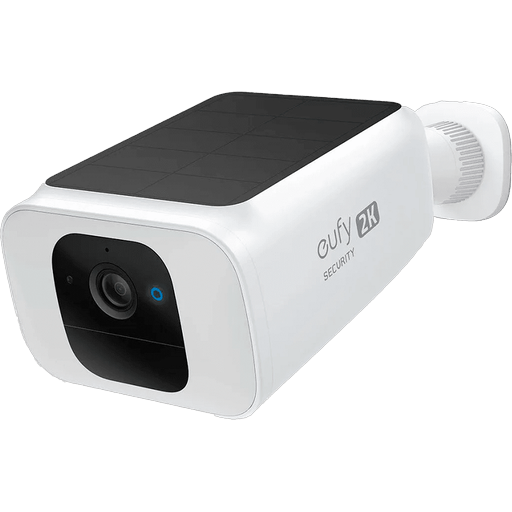
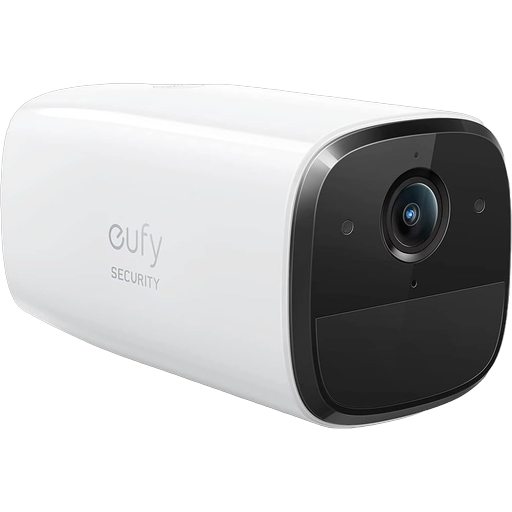
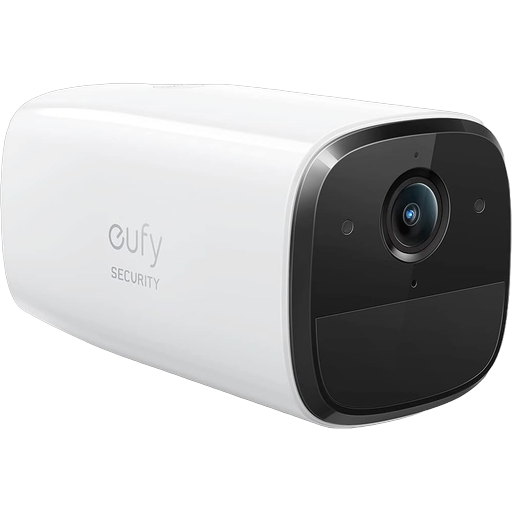
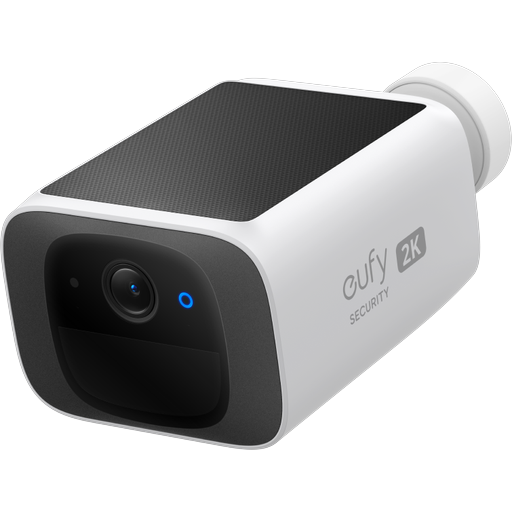
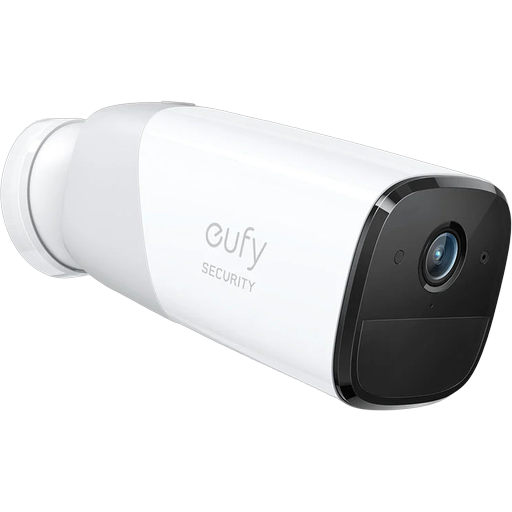
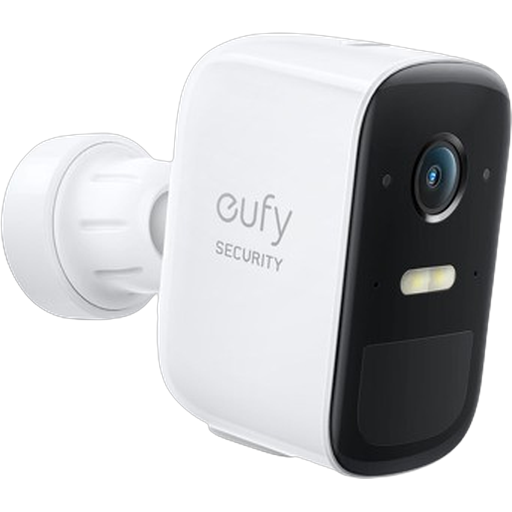
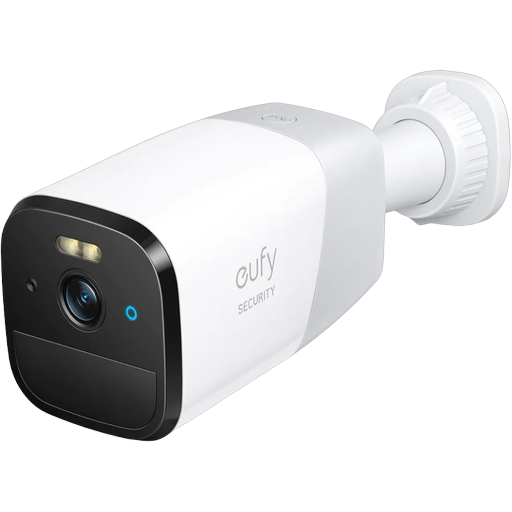
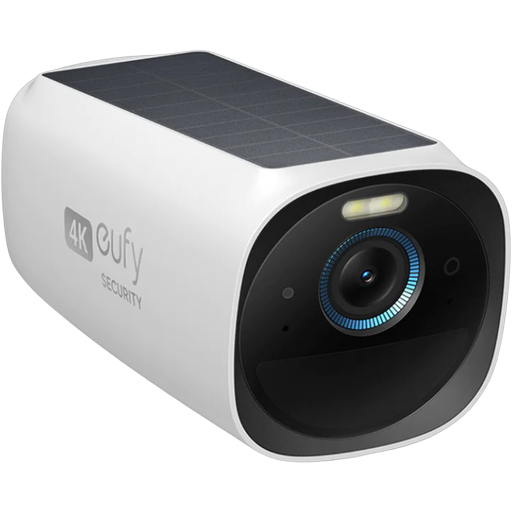
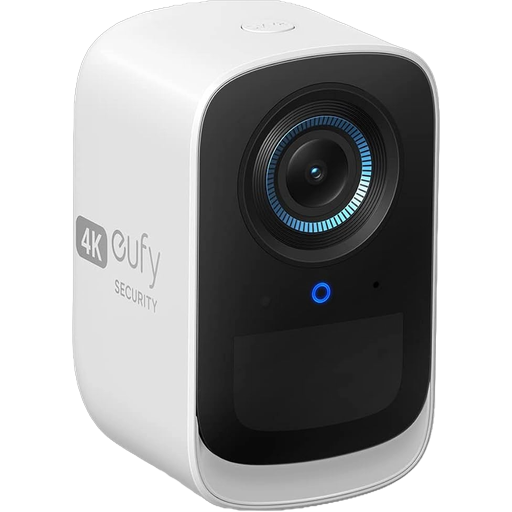
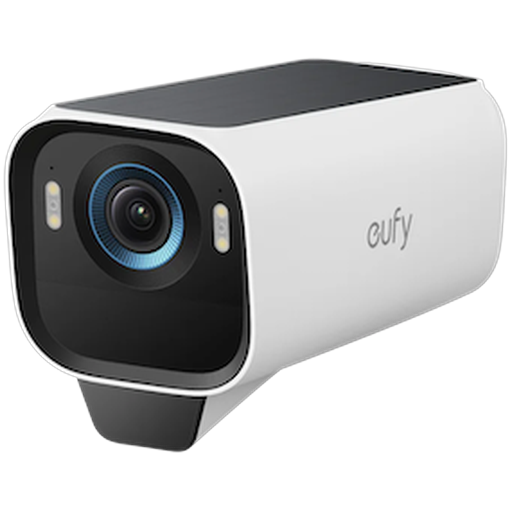
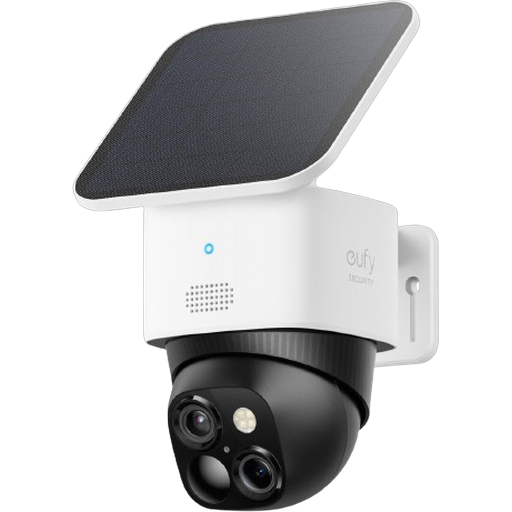
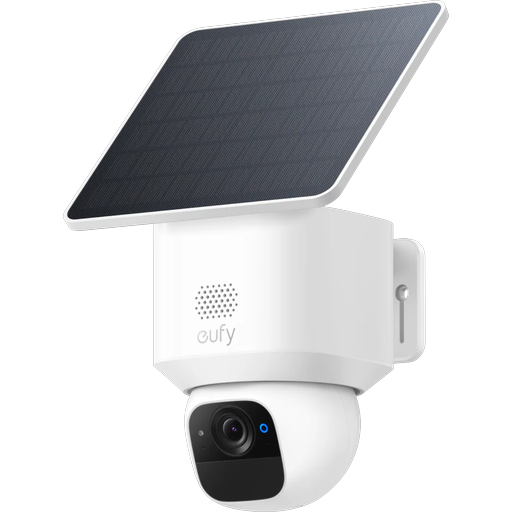
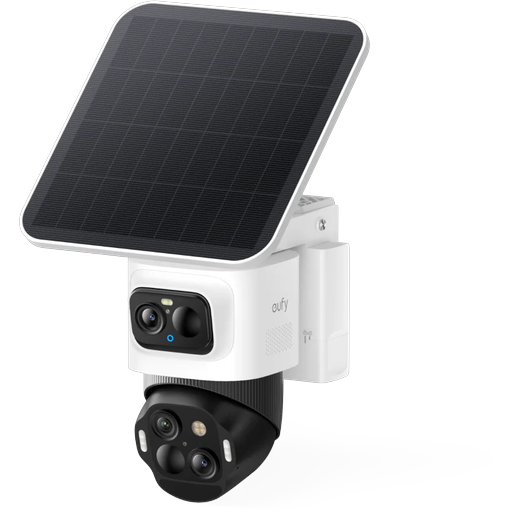
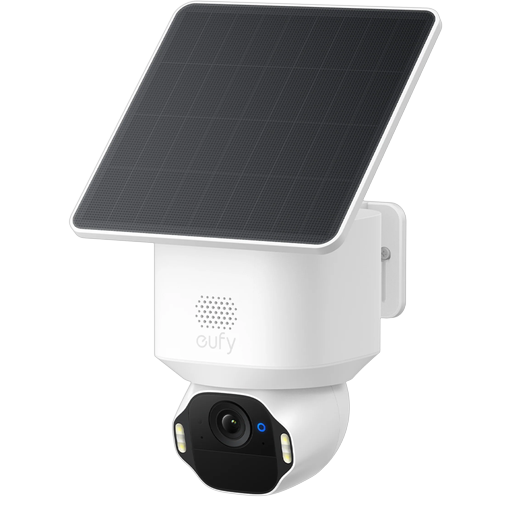
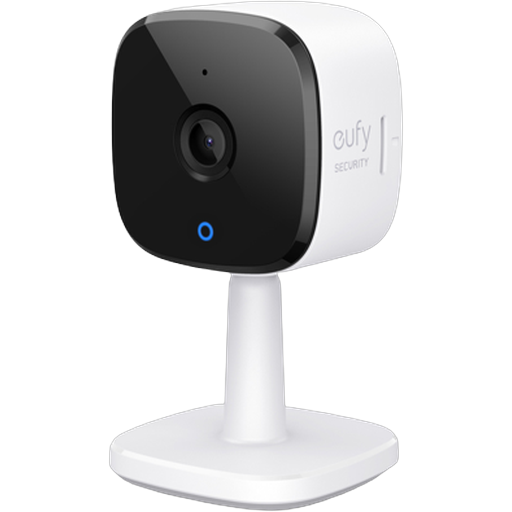
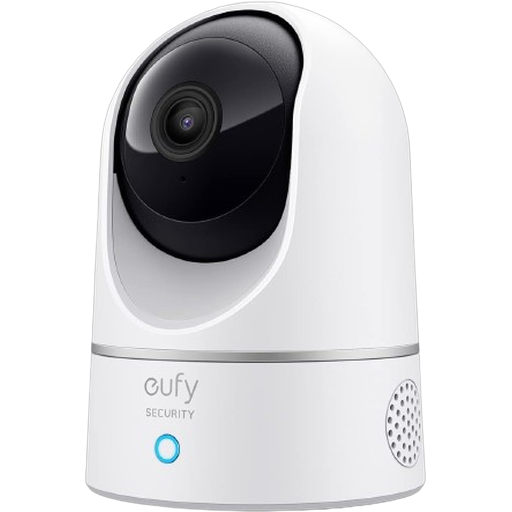
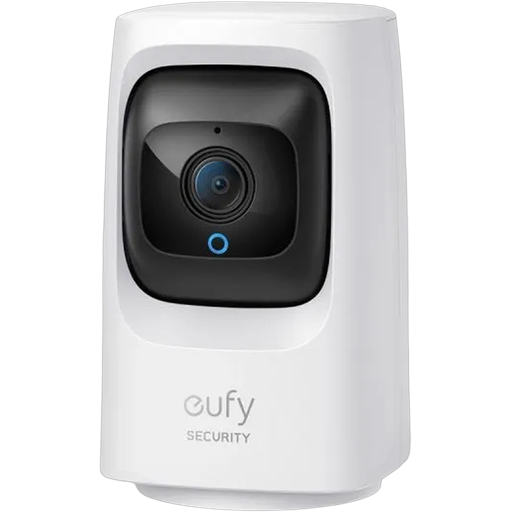
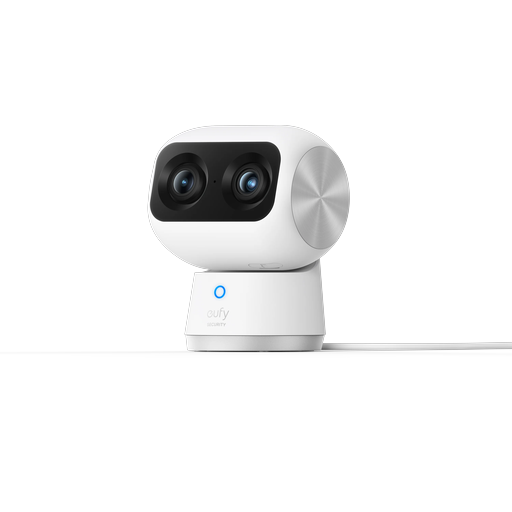
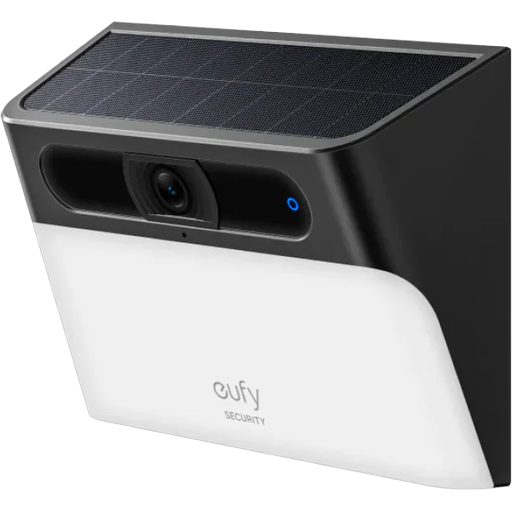
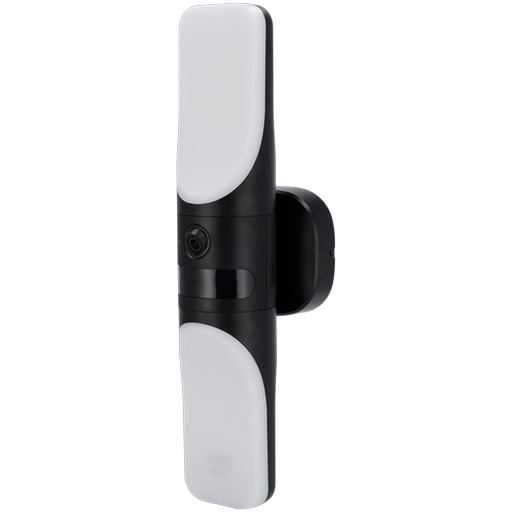
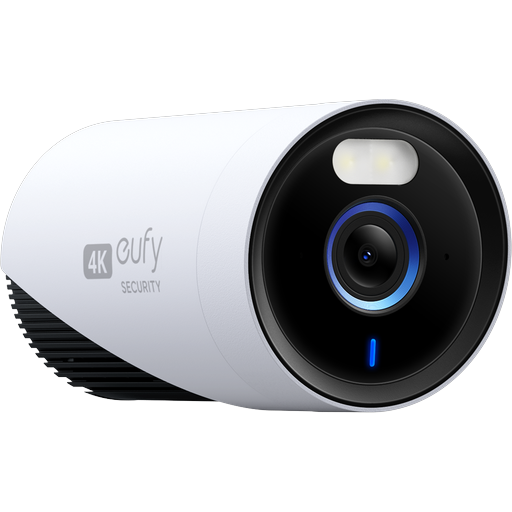
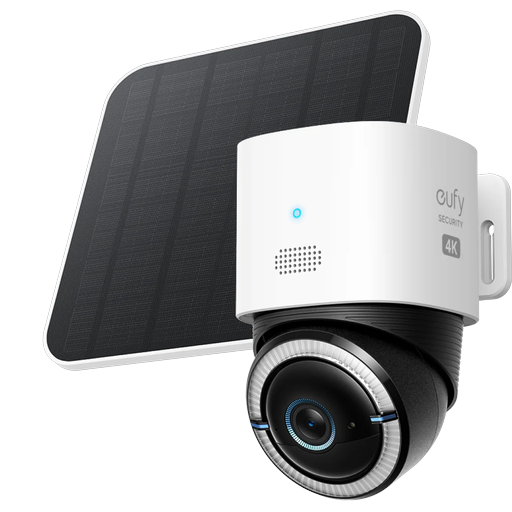
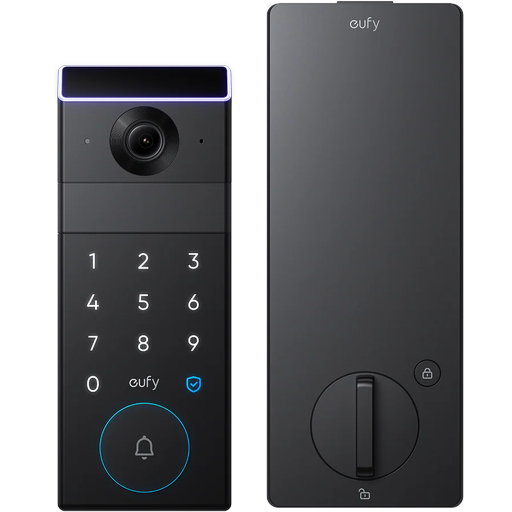
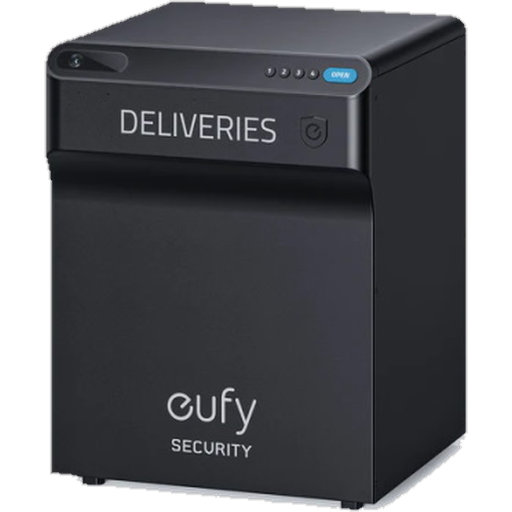
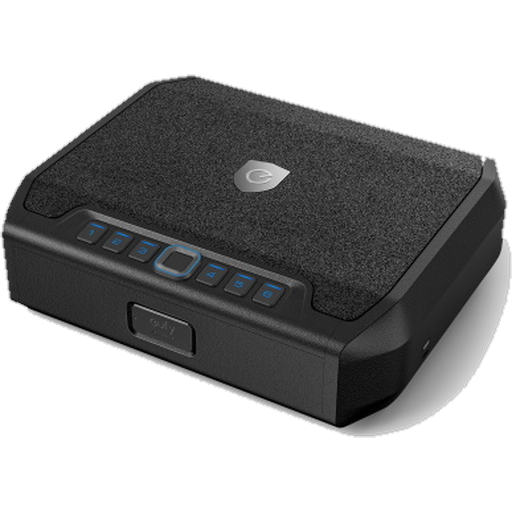
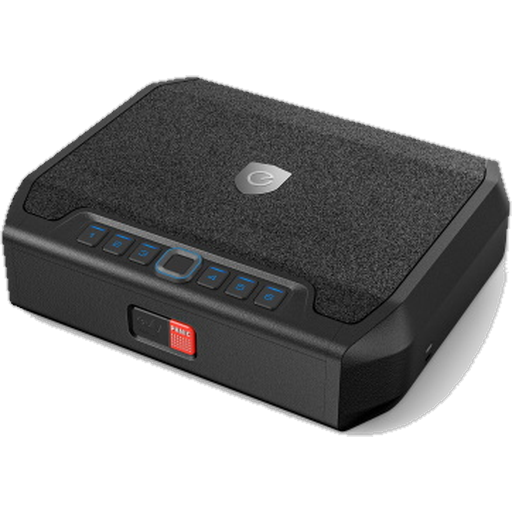
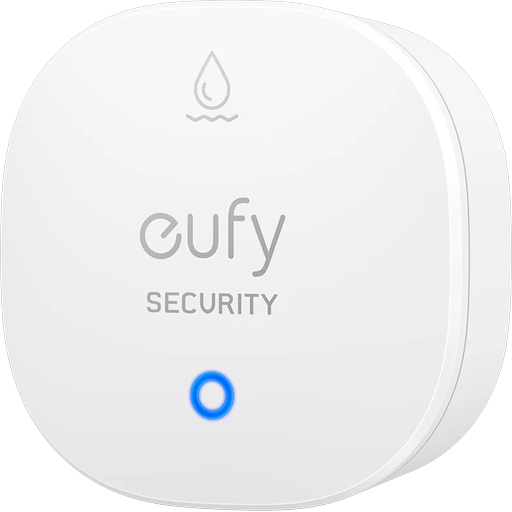
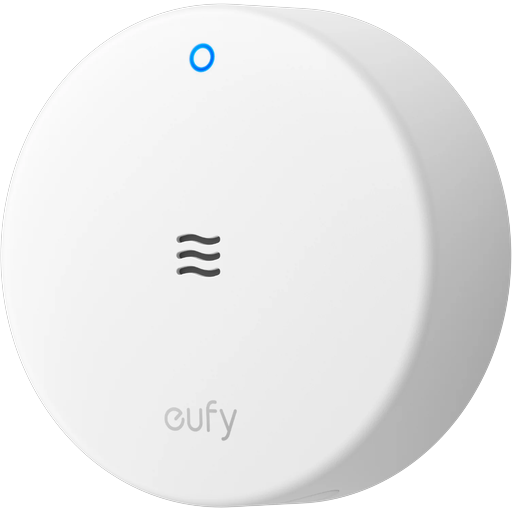
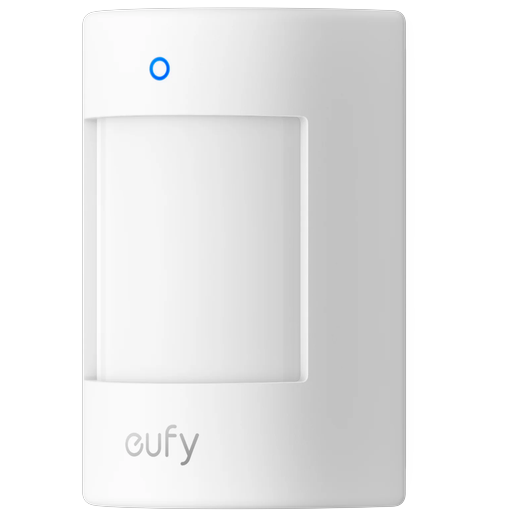
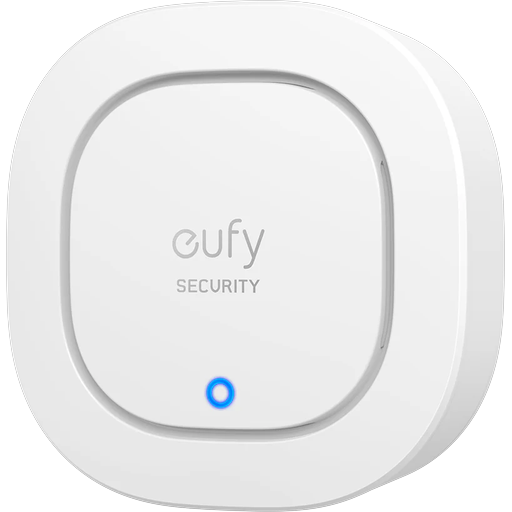
The gallery below is the hardware the eufy SDK behind this app recognises by model code (Txxxxx). It is copied from the SDK's own documentation each time this site is built.
Independent and unofficial
Device names, model codes and product imagery on this page identify hardware. This app is not affiliated with, endorsed by, or sponsored by Anker Innovations or eufy, and this page is a visual reference — not a support or compatibility list published by either company.
A reference, not a limit
Pictured means "recognised", not "the only thing that works". A device that is not shown can still be added, and a pictured one appears in the app only when it fits one of the categories above.
🛡️ Security
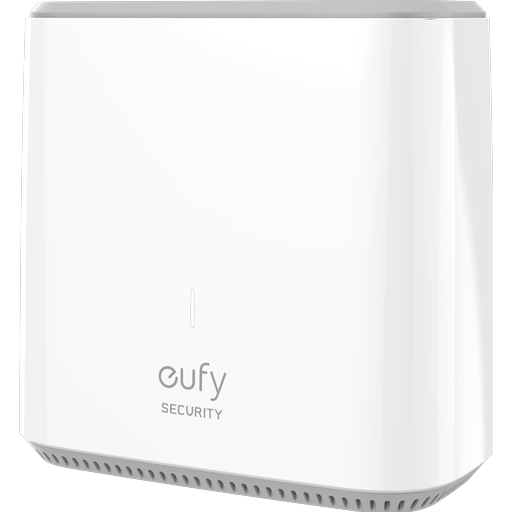
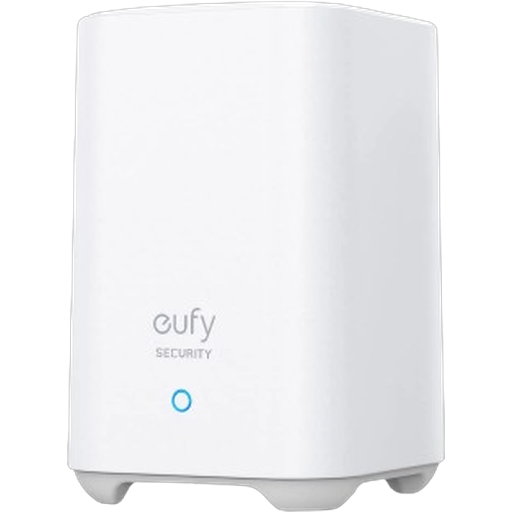
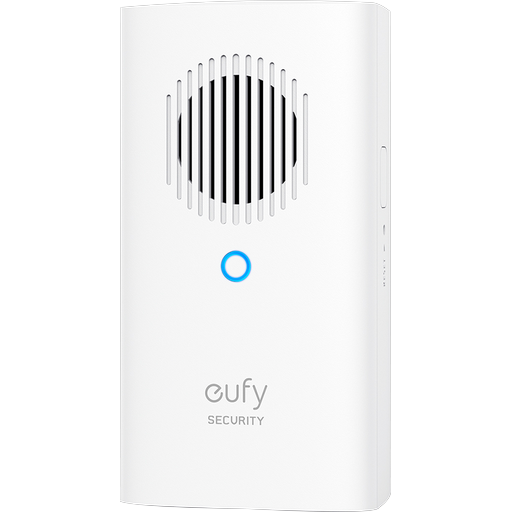
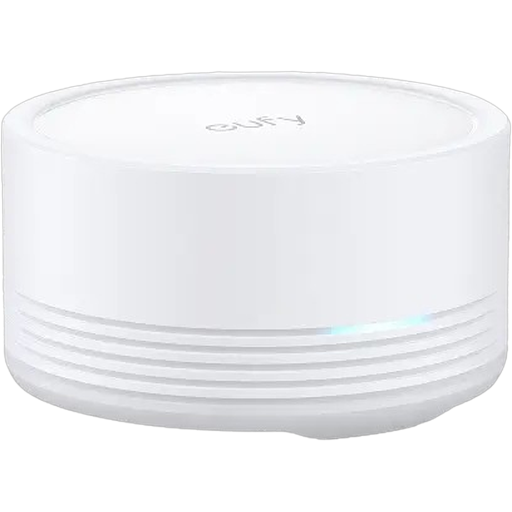
🏠 Bases, NVR & chime
🔔 Doorbells
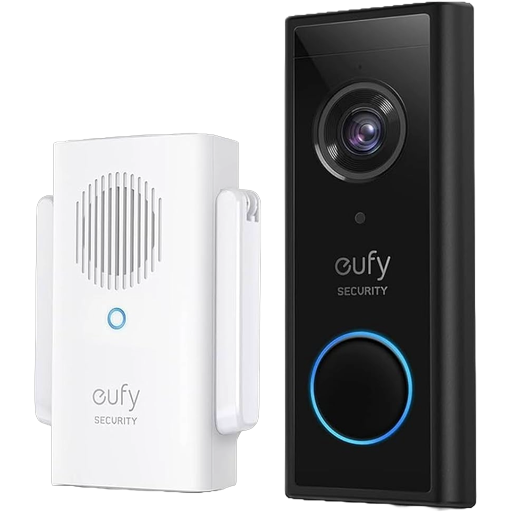
🔦 Floodlight cams
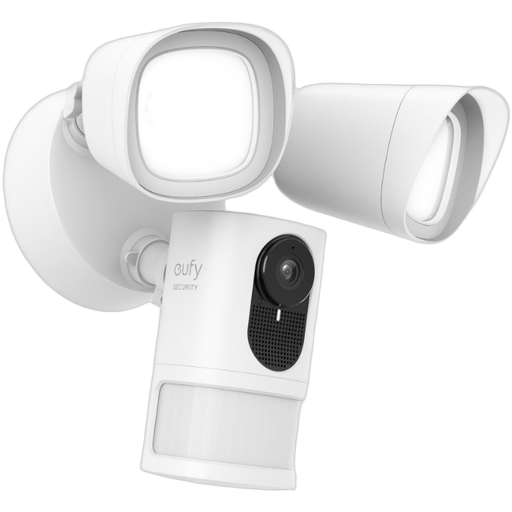
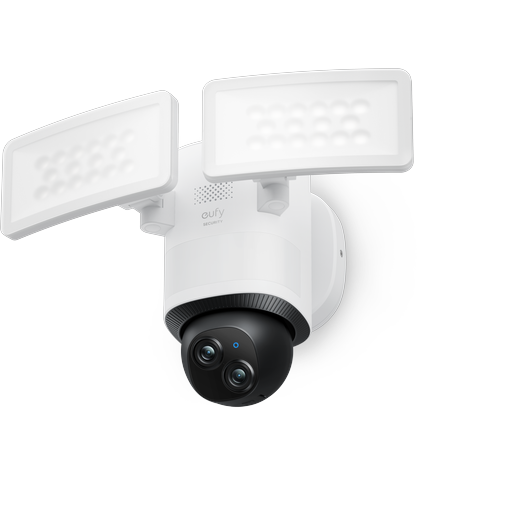
📷 Cameras
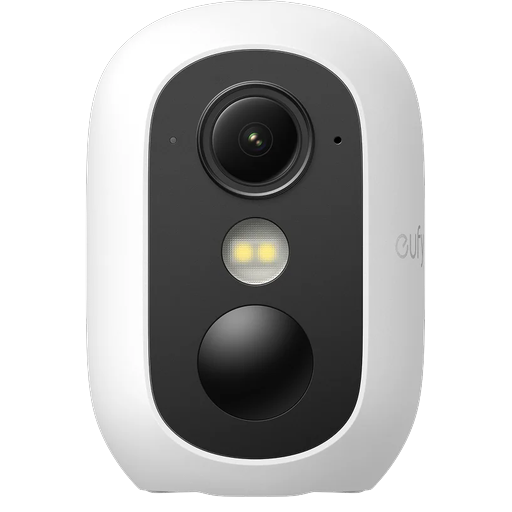
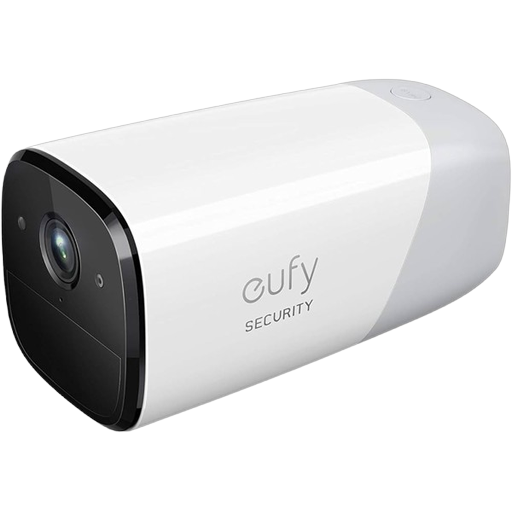
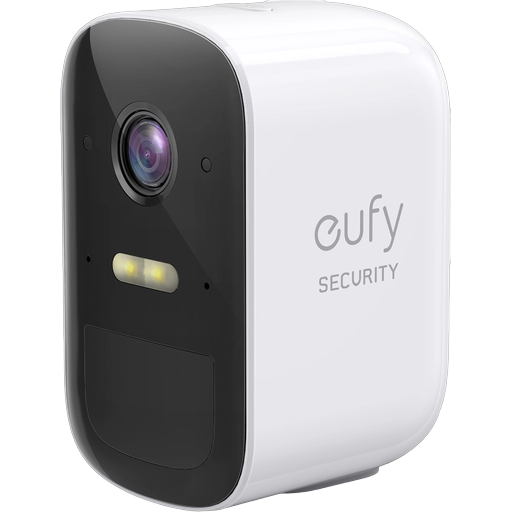
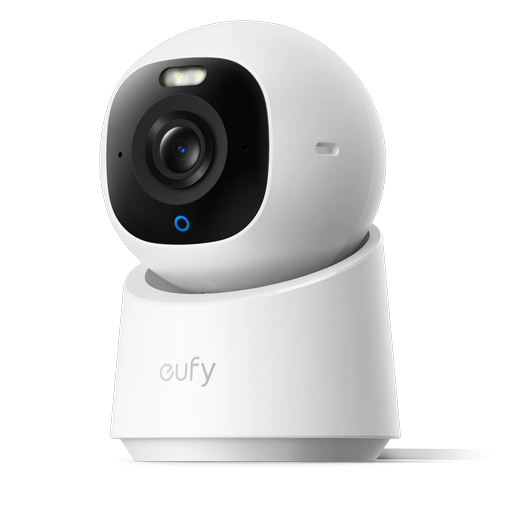
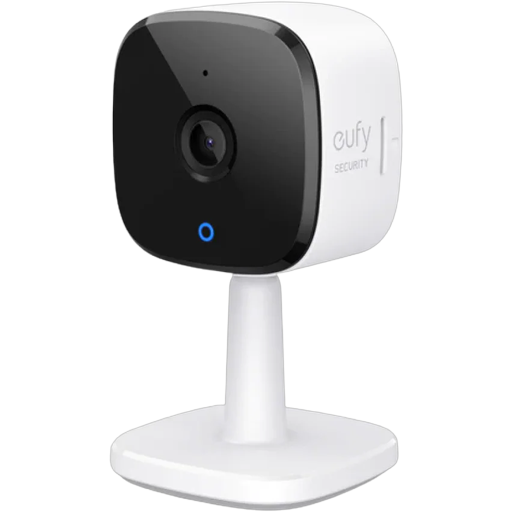
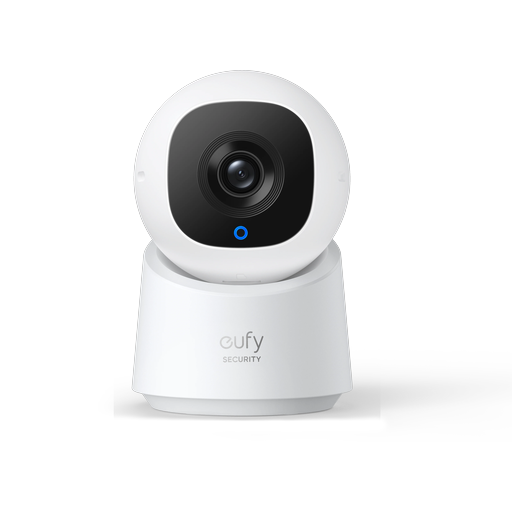
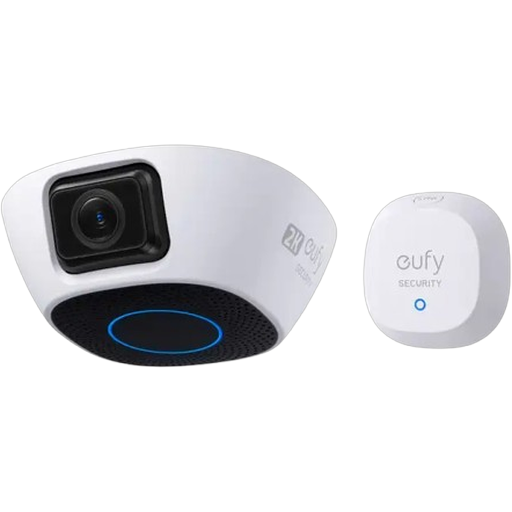
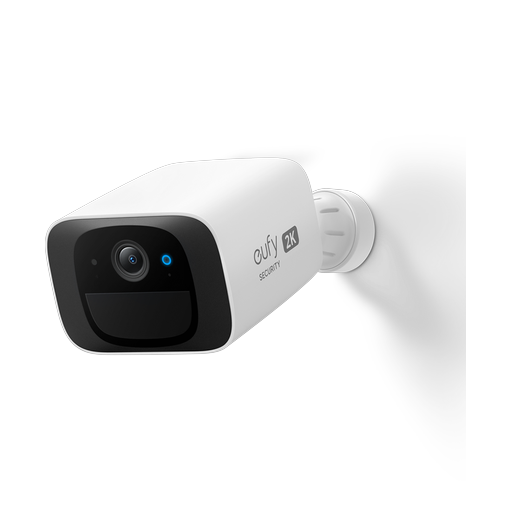
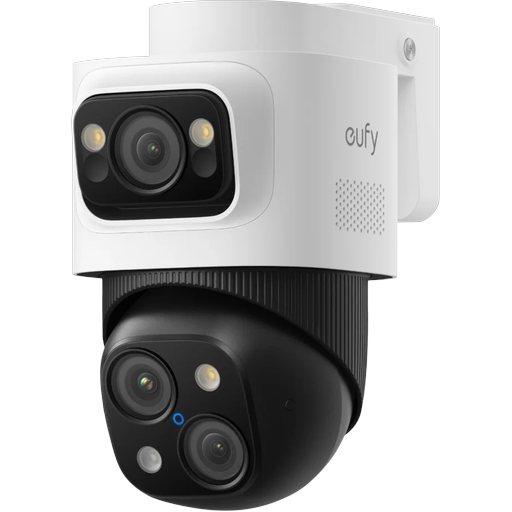
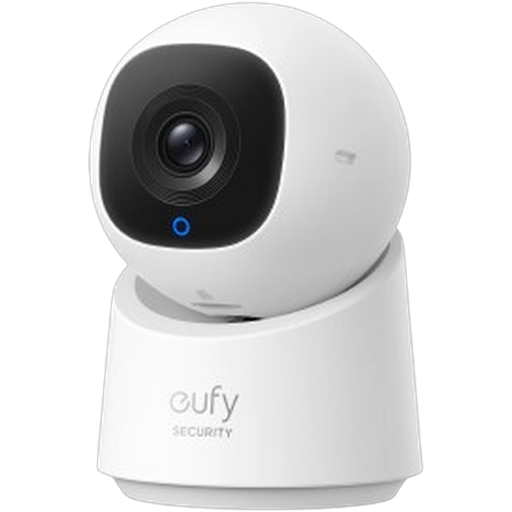
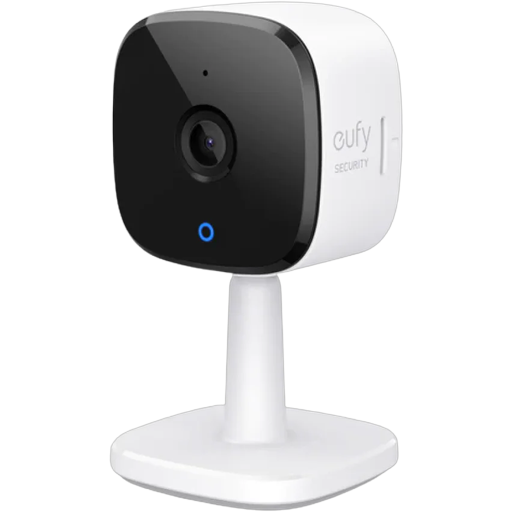
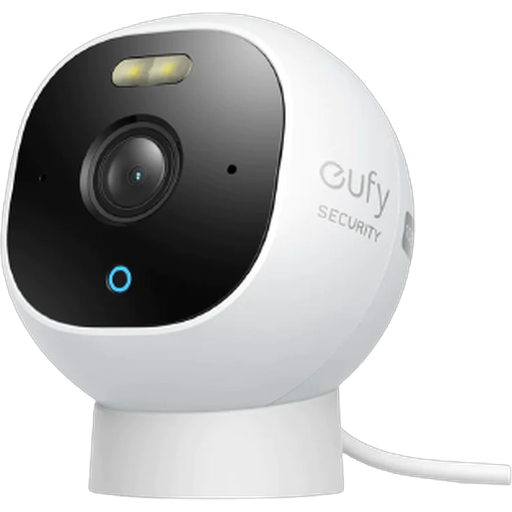
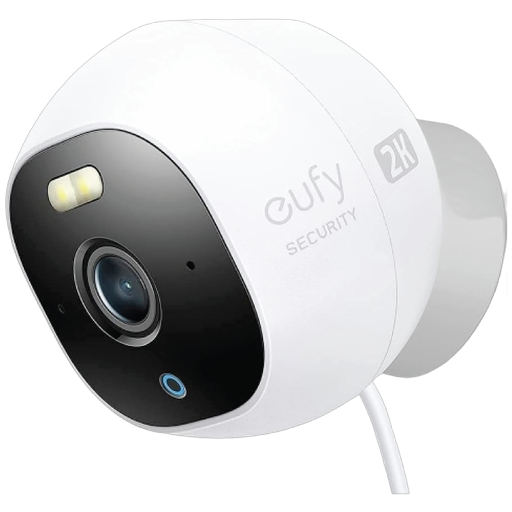
🔒 Smart locks & access
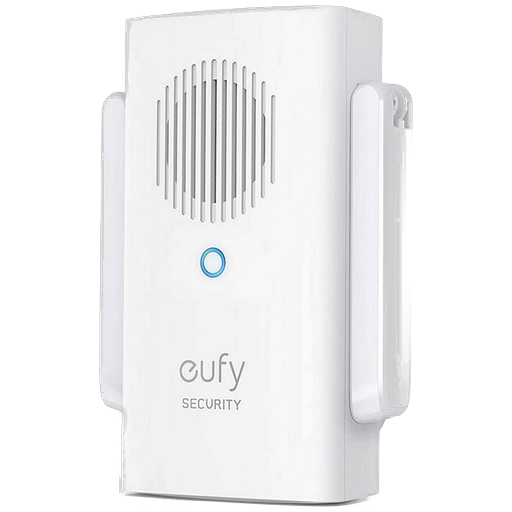
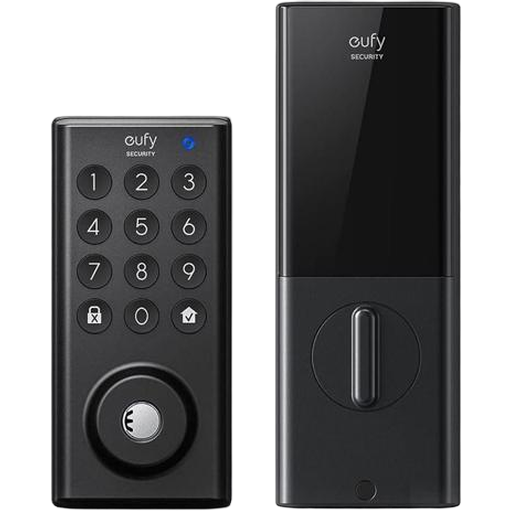
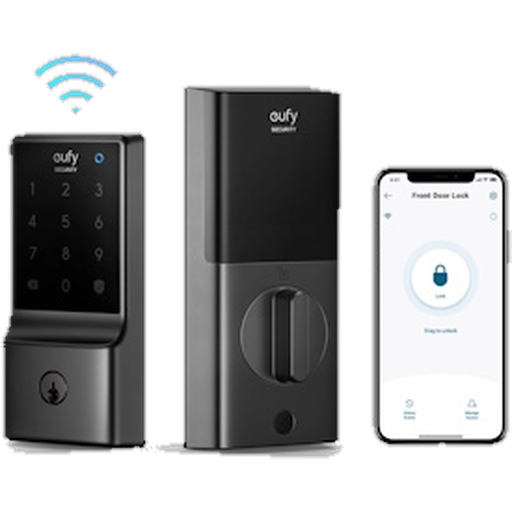
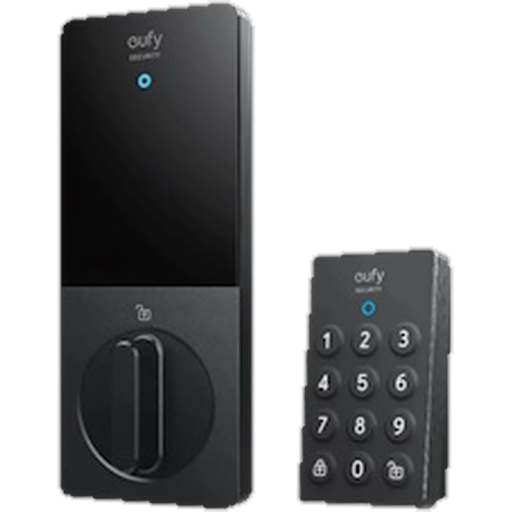
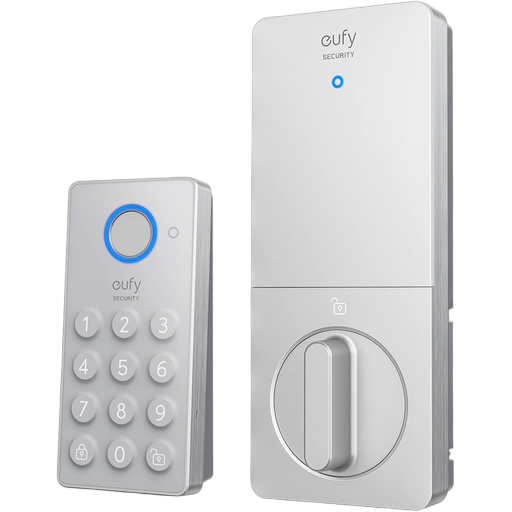
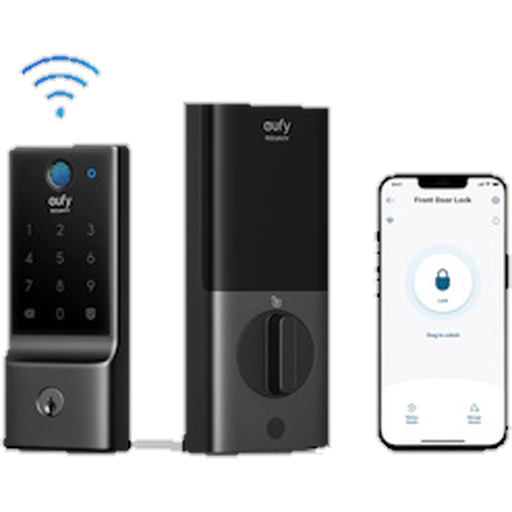
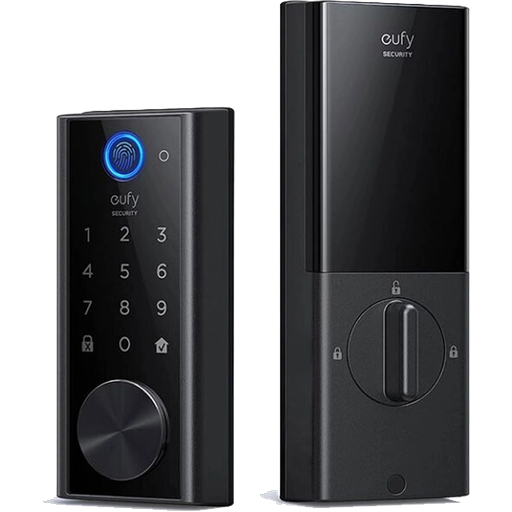
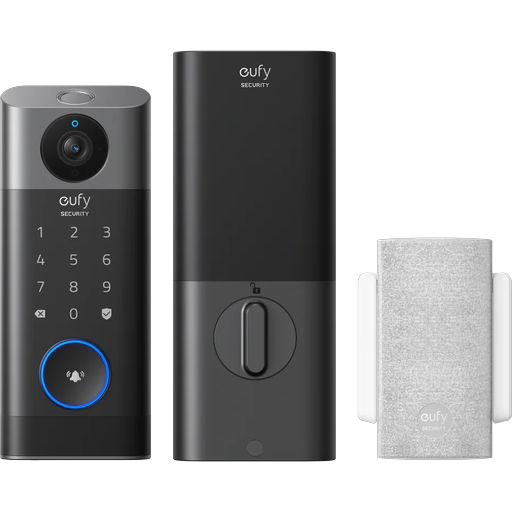
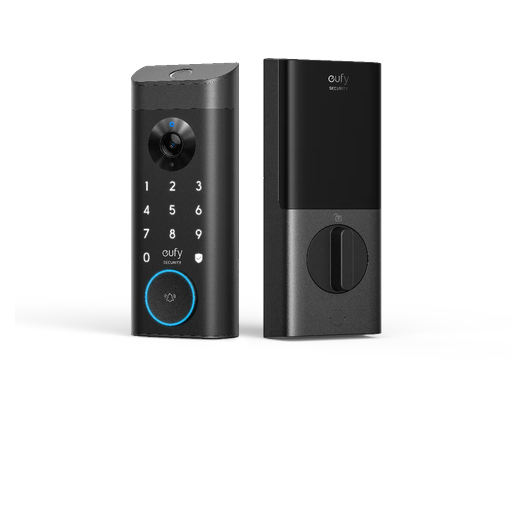
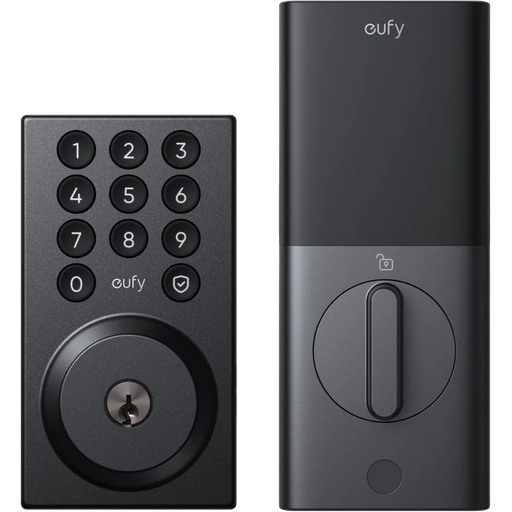
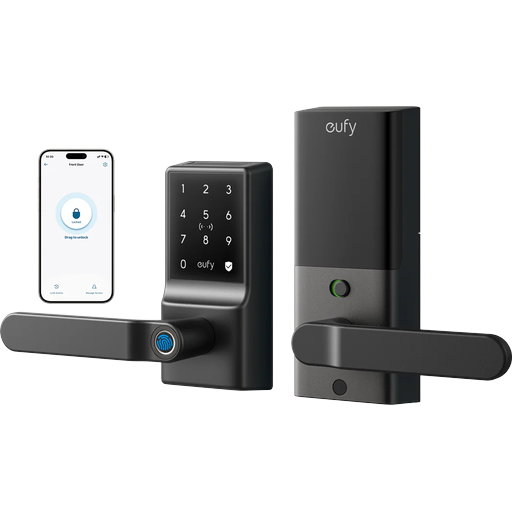
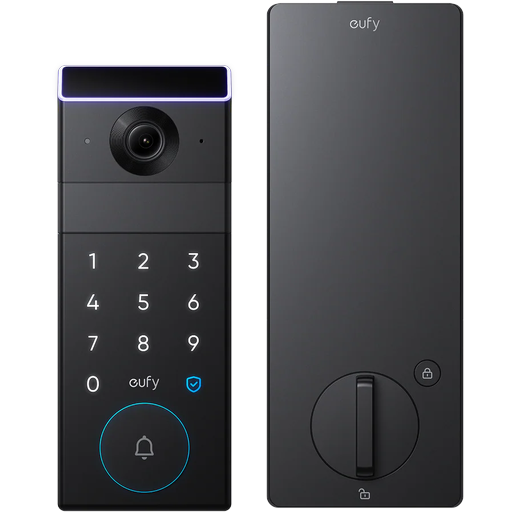
🔐 Safes
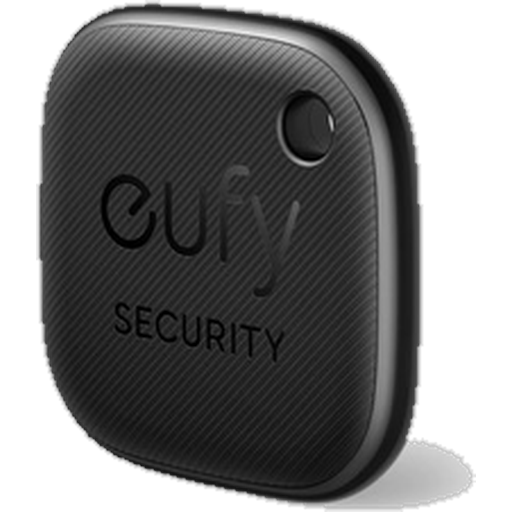
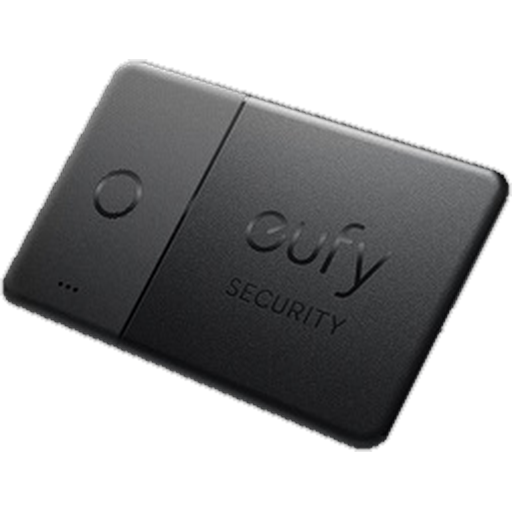
📍 Trackers
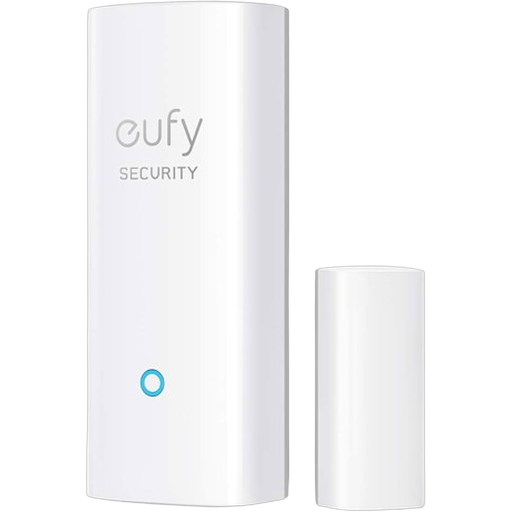
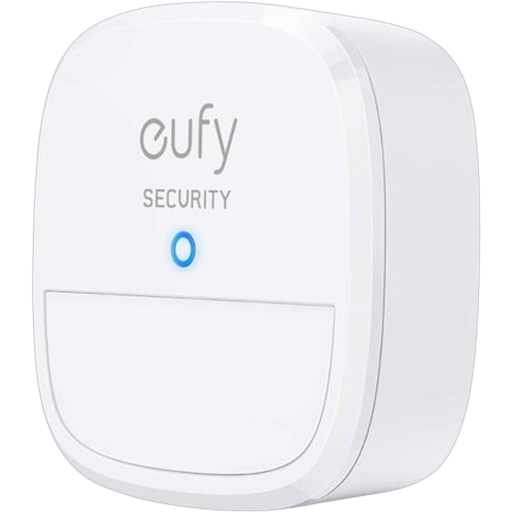
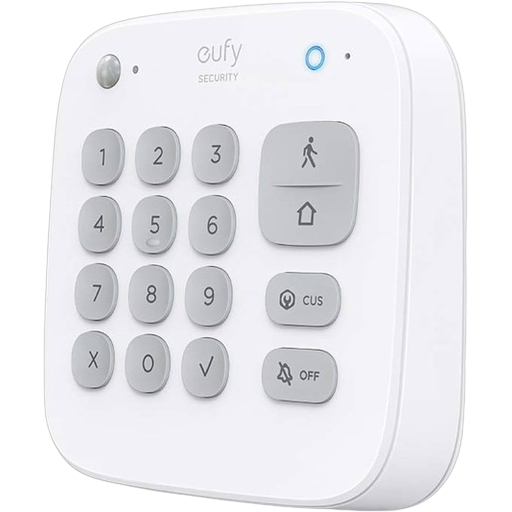
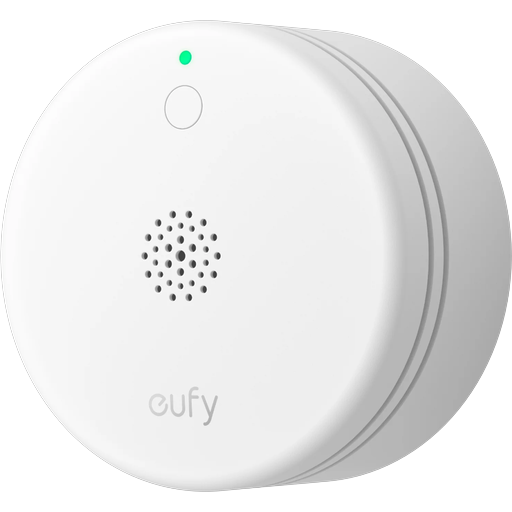
📡 Sensors
🧹 Clean
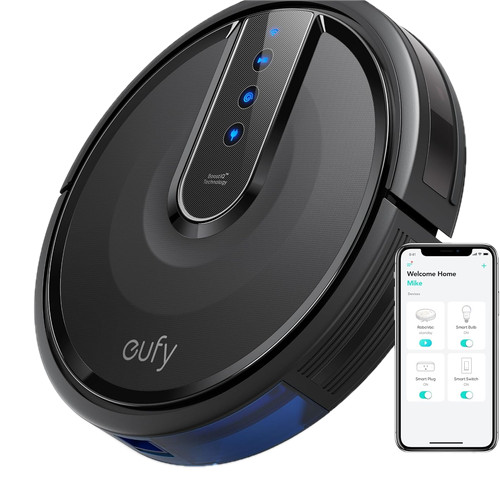
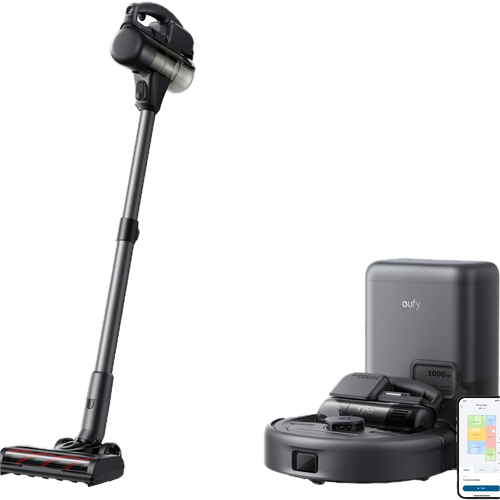
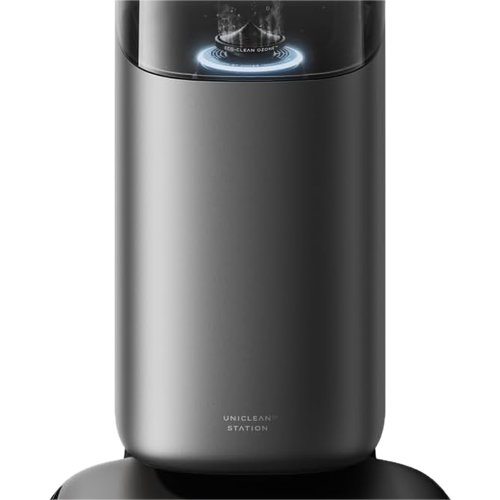
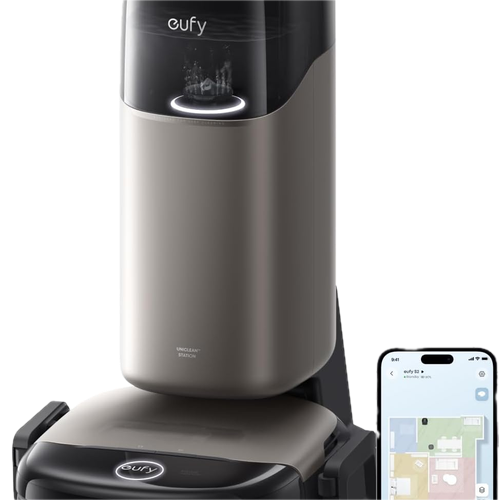
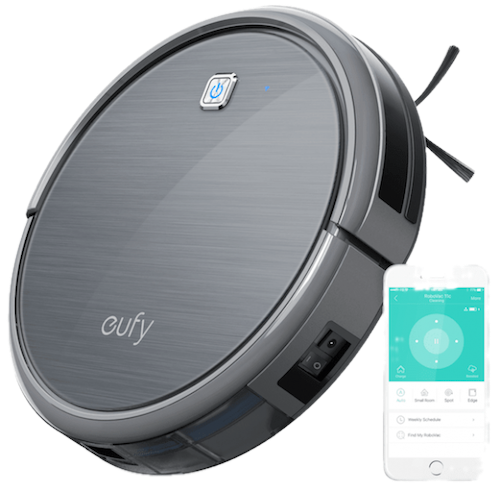
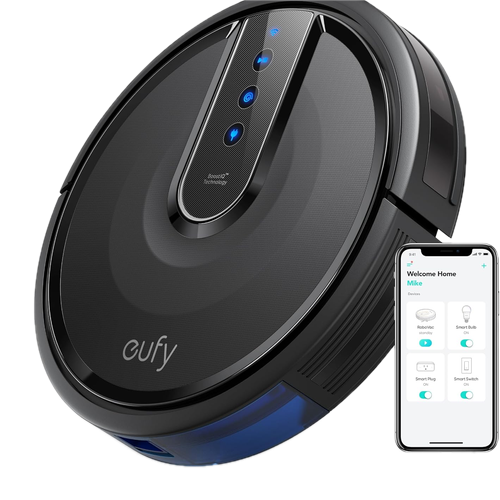
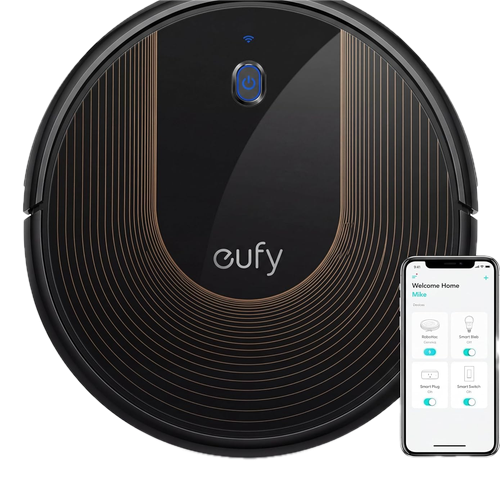
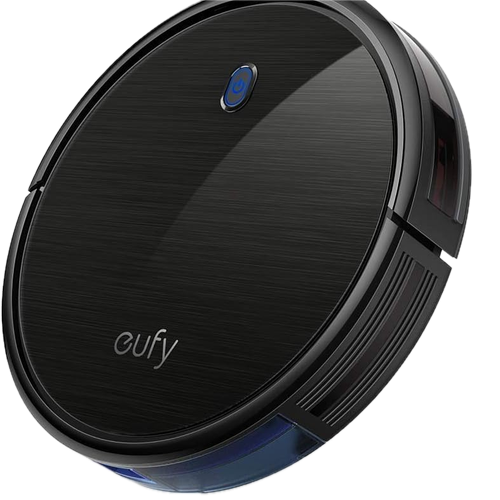
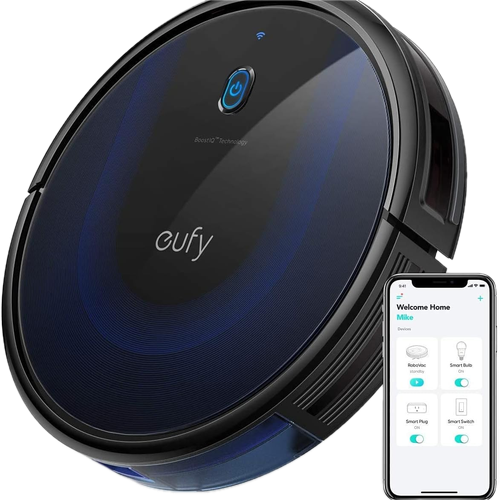
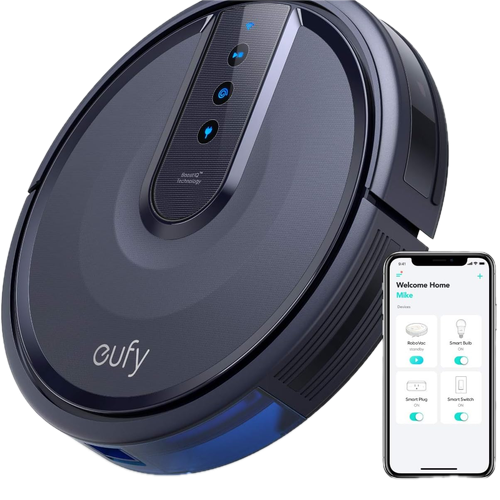
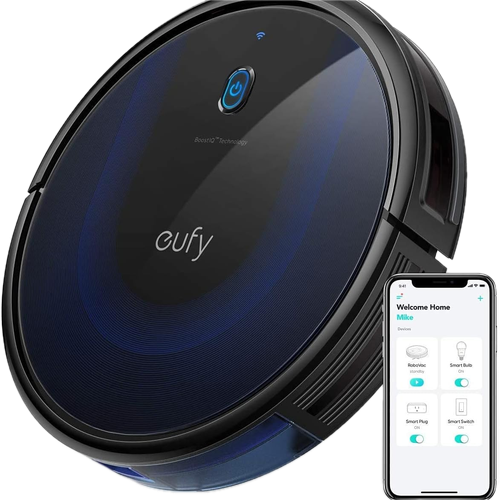
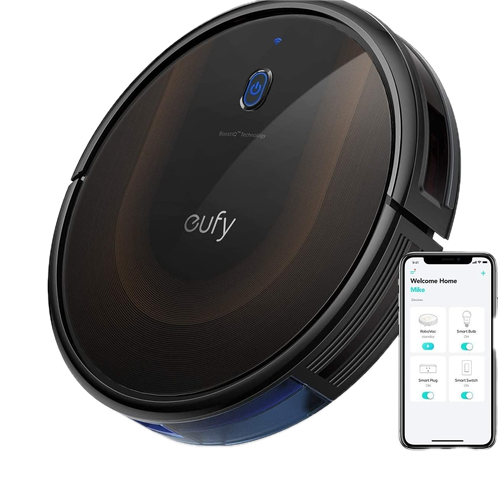
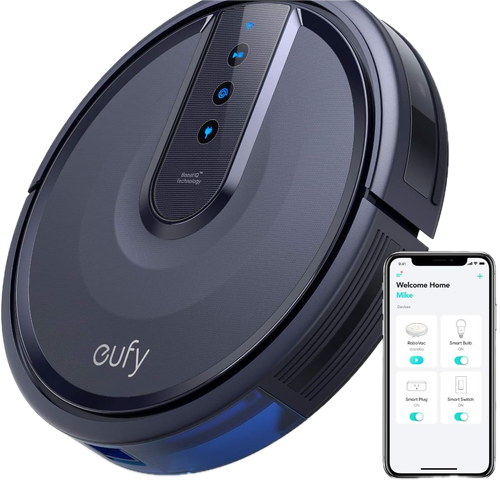
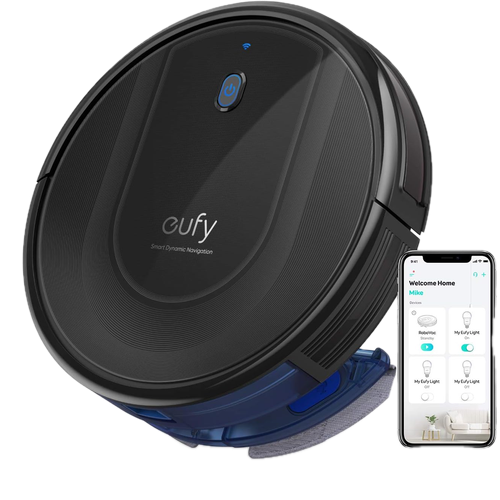
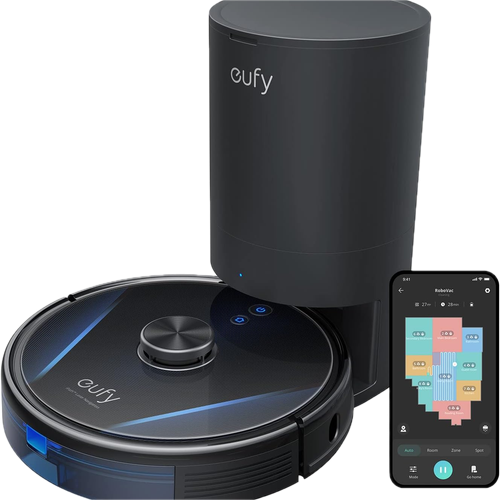
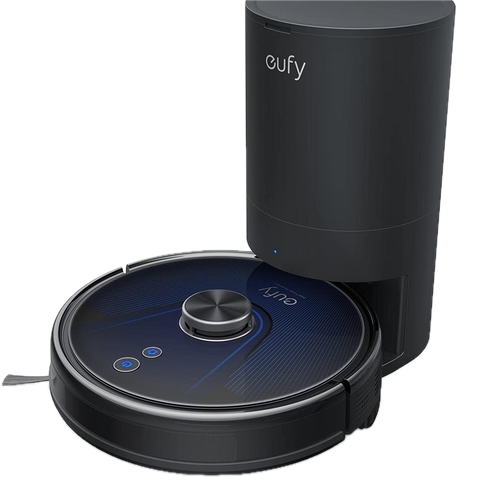
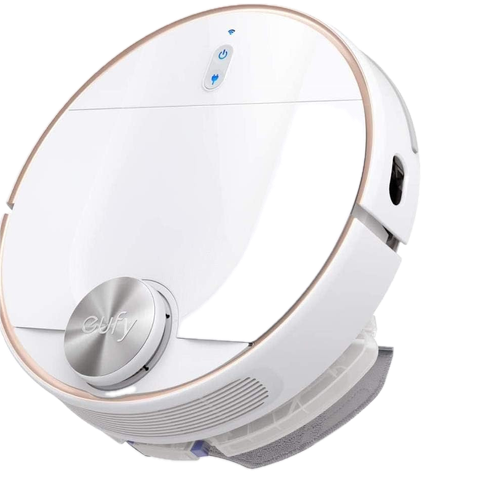
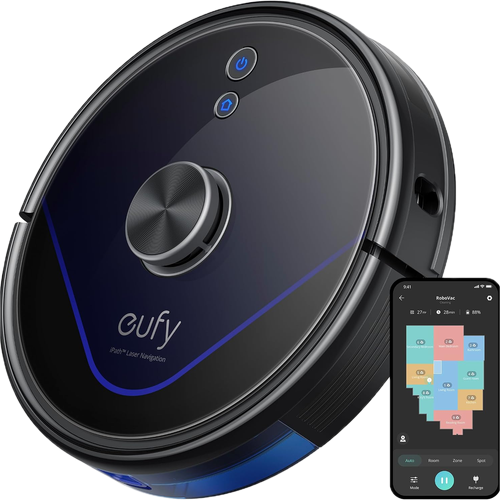
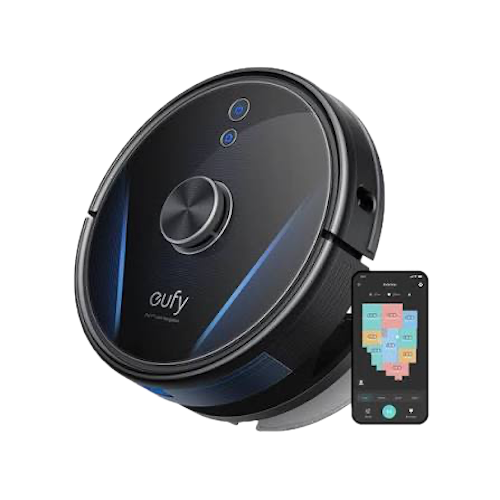
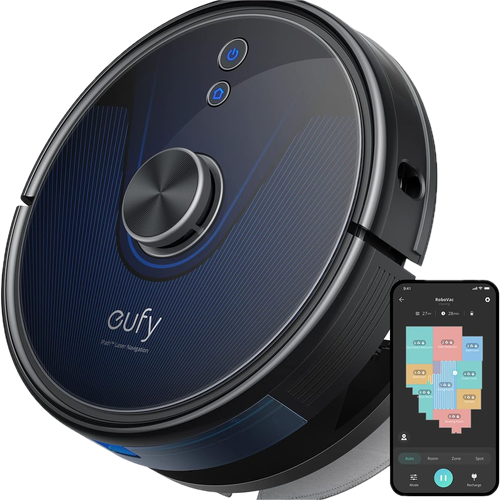
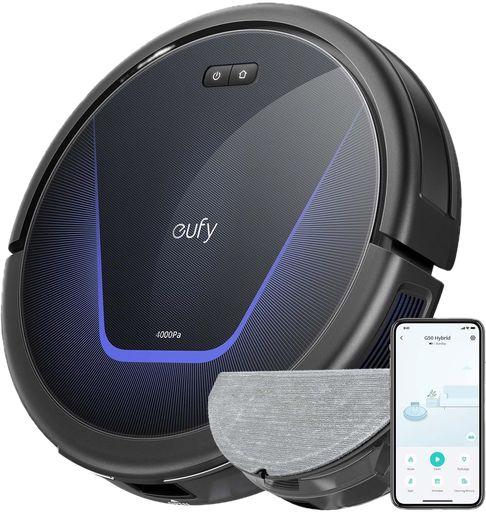
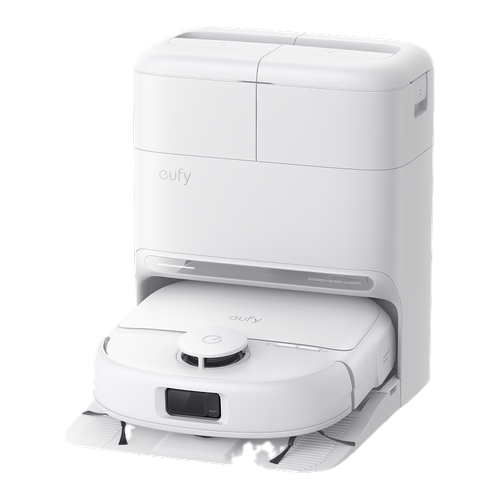
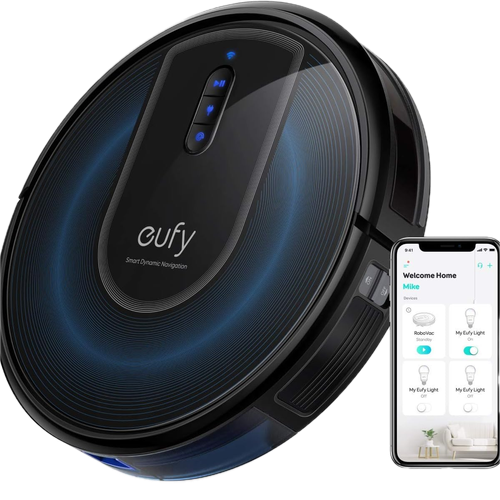
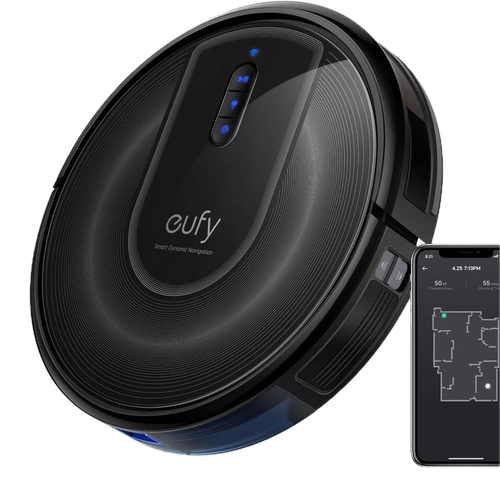
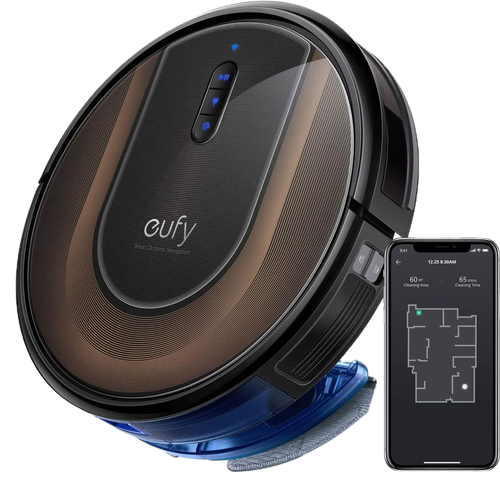
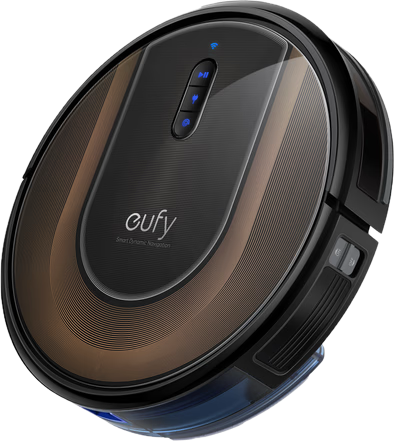
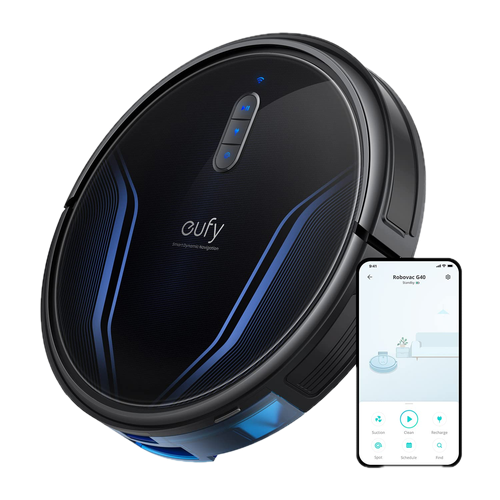
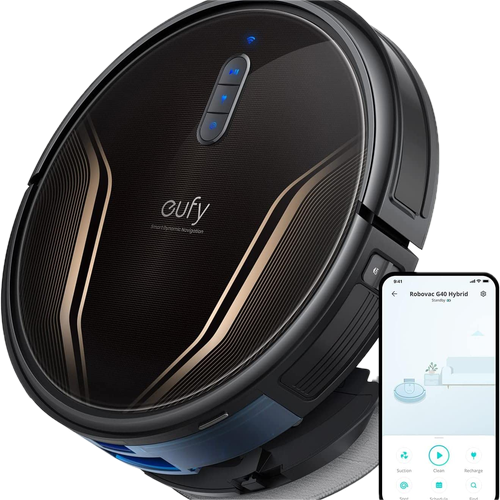
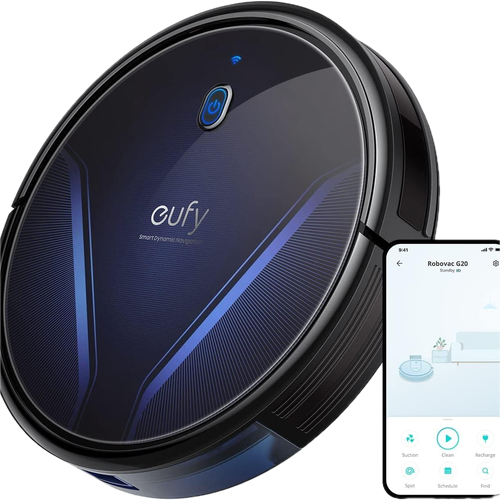
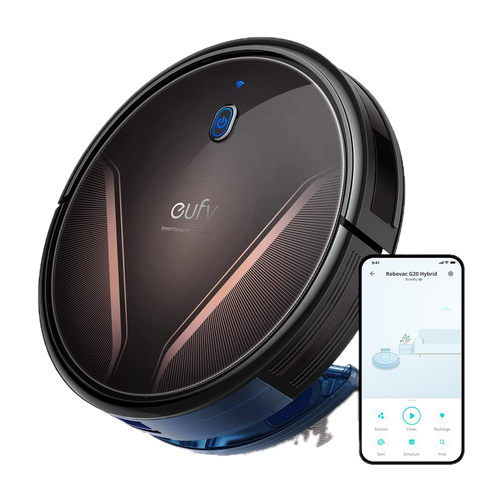
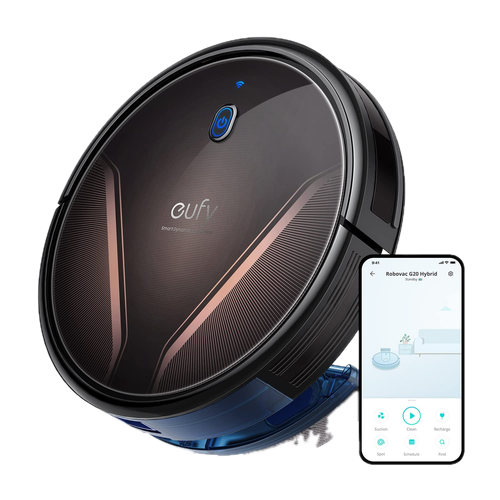
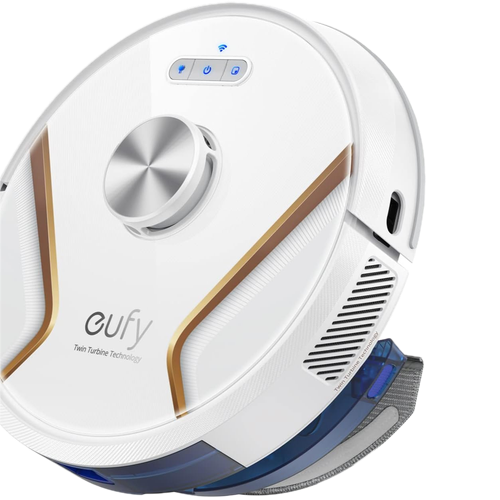
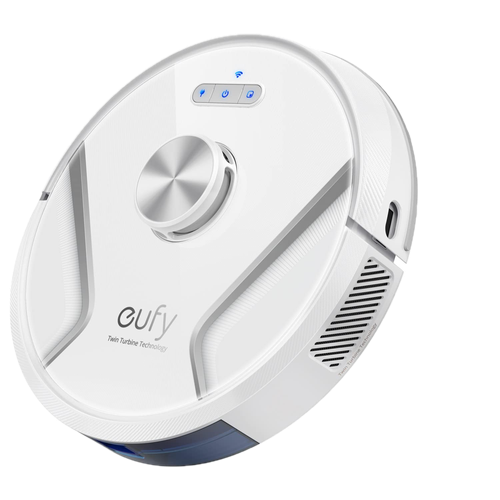
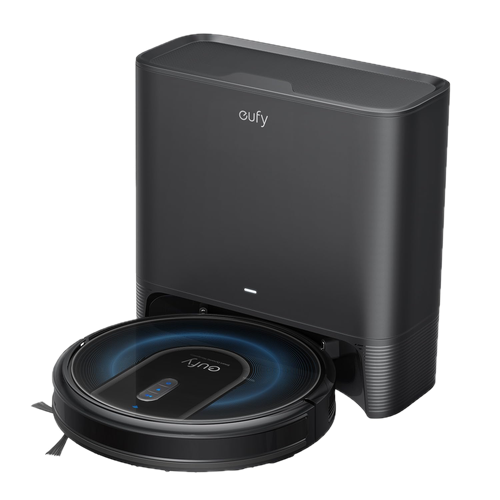
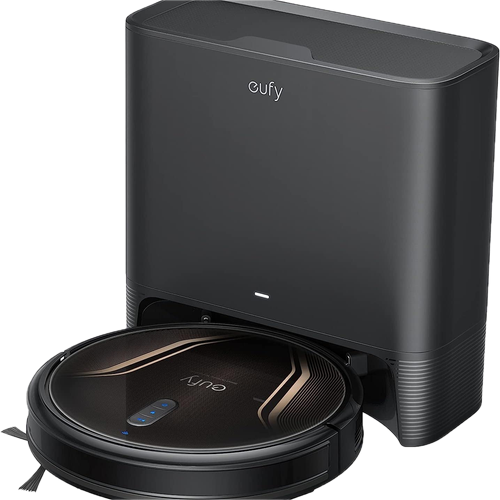
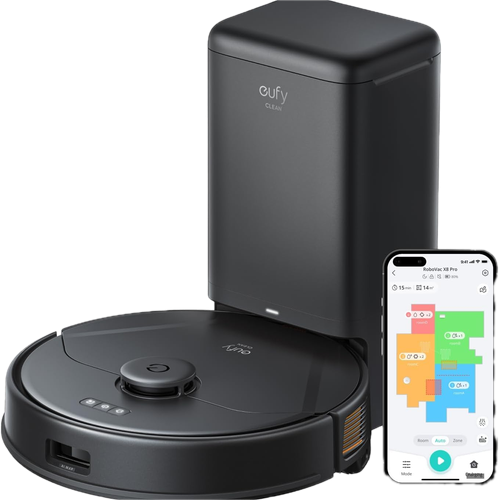
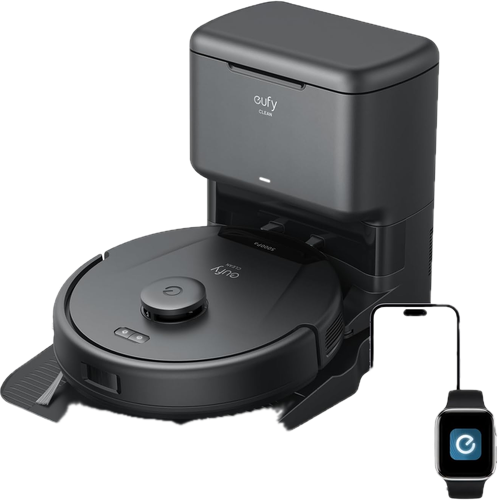
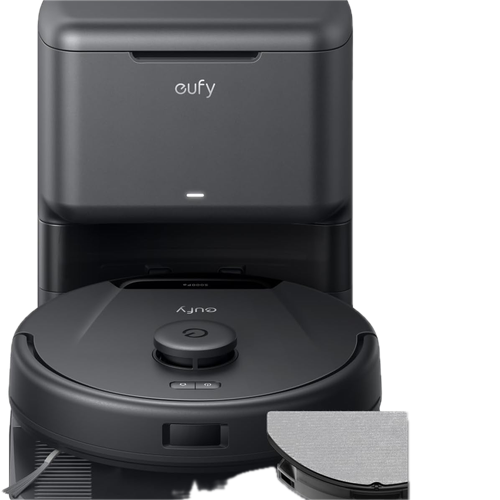
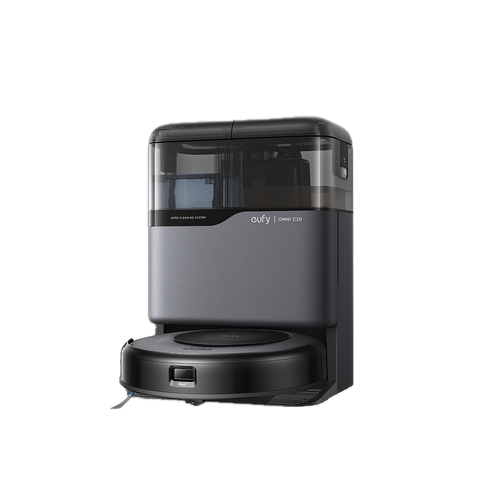
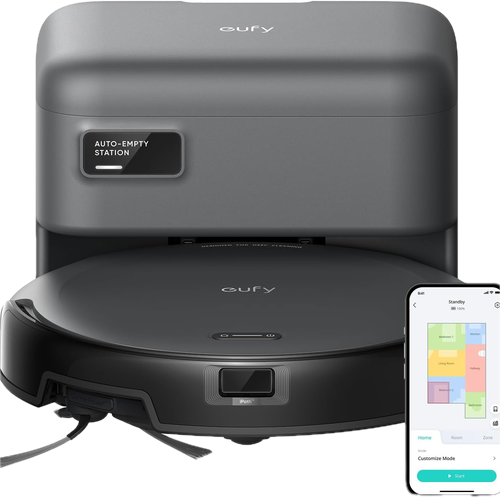
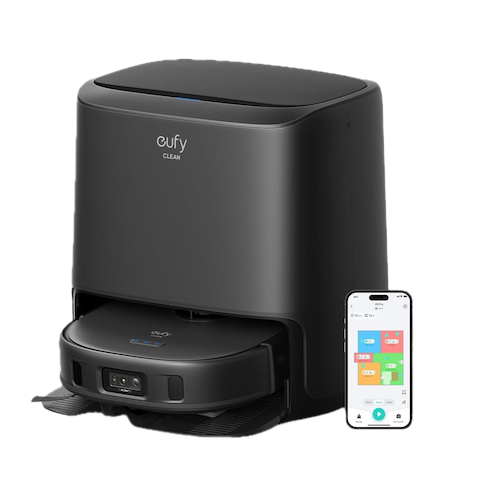
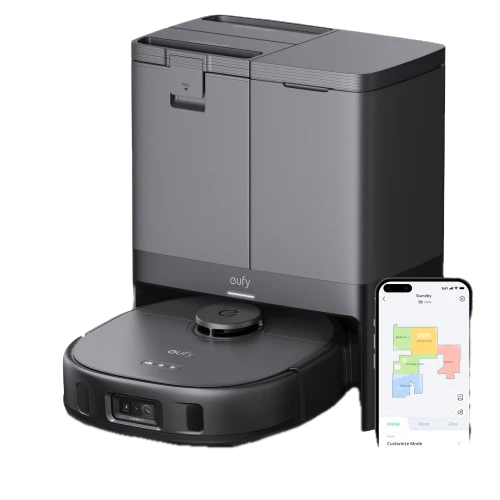
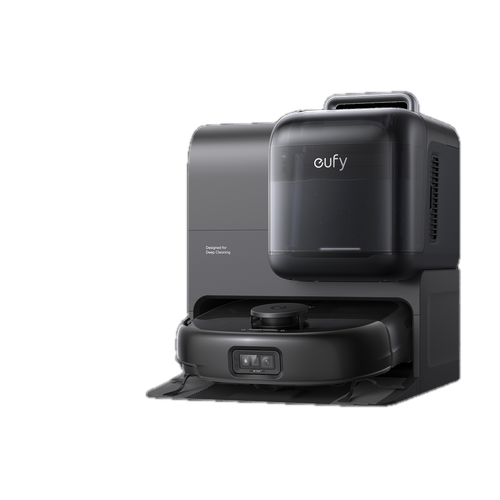
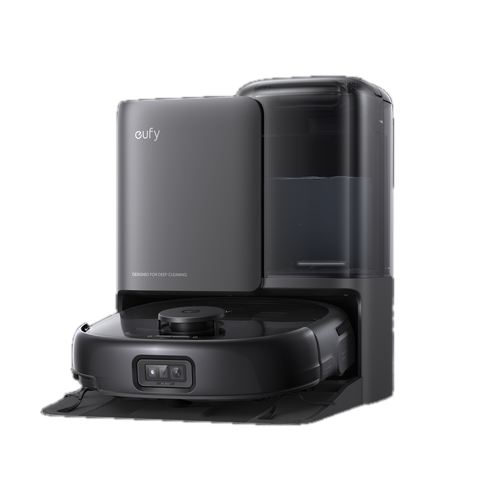
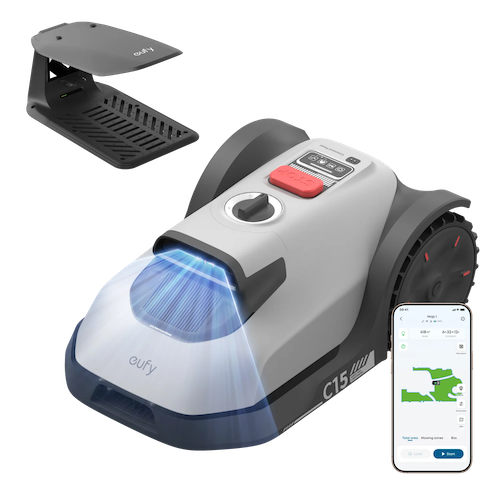
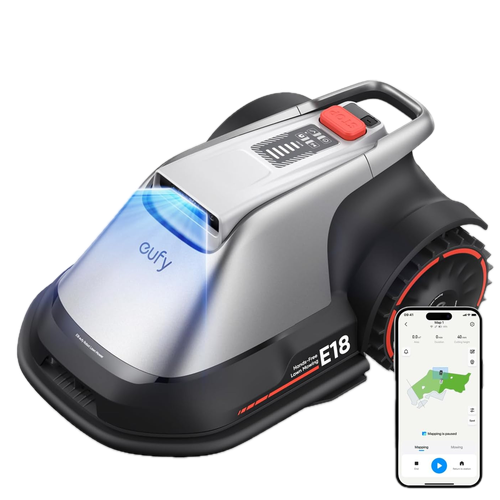
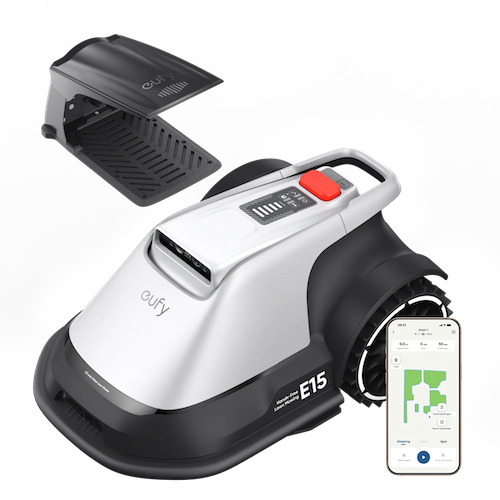
The eufy Clean line — robot vacuums (the classic RoboVac and newer eufy Clean generations, all one vacuum codec) and robot mowers (mower). Vacuums expose the vacuumClean/suction capabilities; see the Vacuums & mowers guide for the read surface and current limits. Any robot on this line resolves through the same handler, so the models below share behaviour. Most models now have real product photos; a handful of discontinued/region-exclusive SKUs (T2103, T2193, T2210, T2254, T2268, T2270, T280B) still use placeholder art pending a photo.
🤖 RoboVac
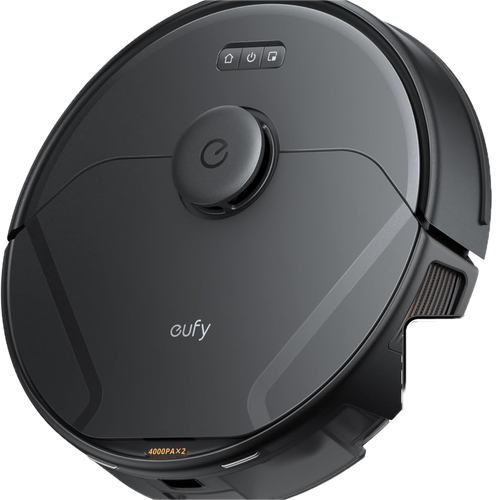
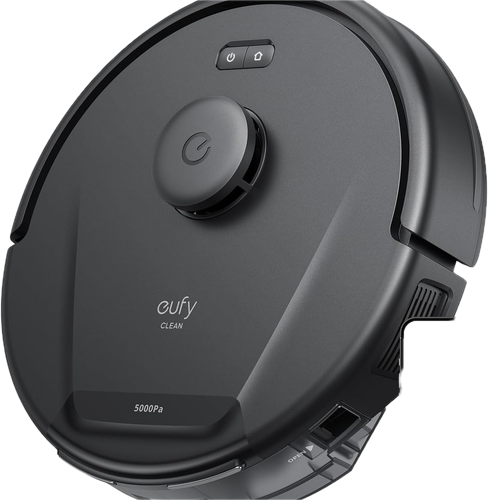
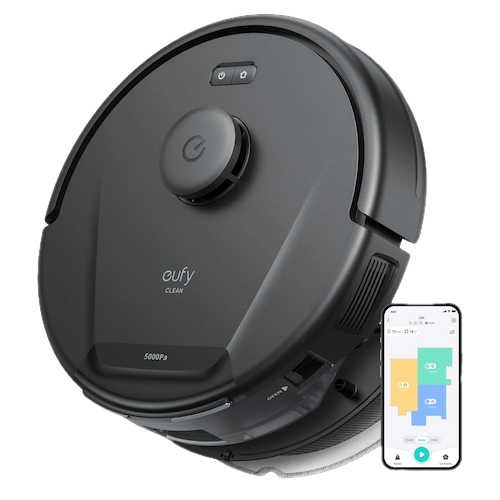
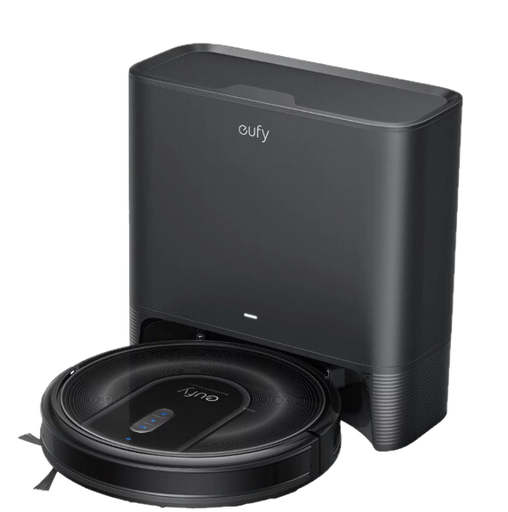
🌱 Mower
🖥️ Display
🖥️ Smart displays
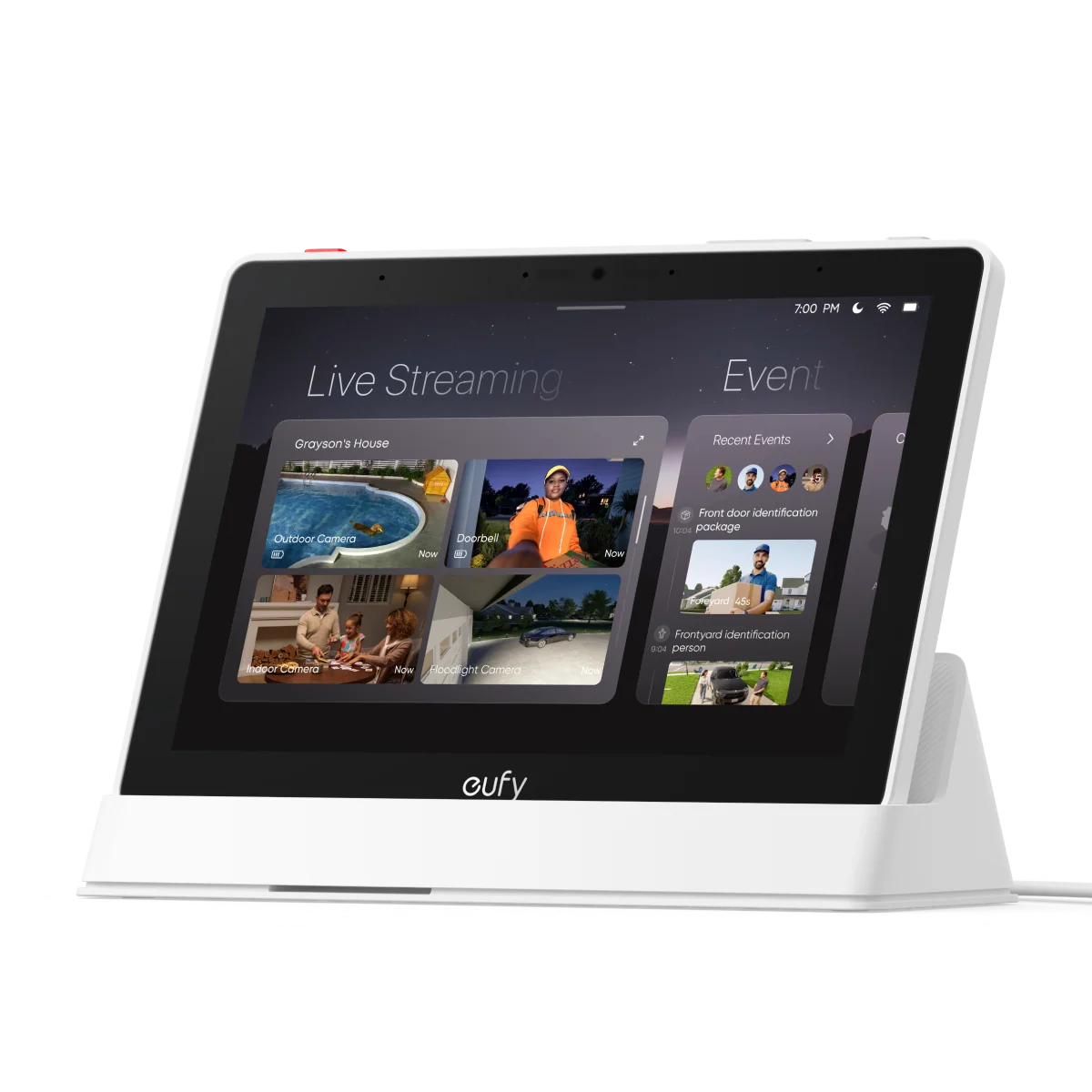
The eufy Display line — a display codec and product line of its own, not a security device: it connects over secure MQTT with no p2p_did and speaks no P2P at all. The display capability reads the screen's charge (param 8001); its retail name, model code and a version-shaped string are readable by name without a typed getter. Read-only — no display write is captured. See the Smart Display guide.
💡 Life
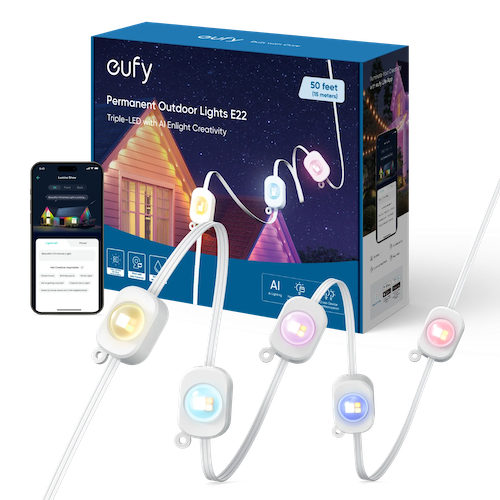
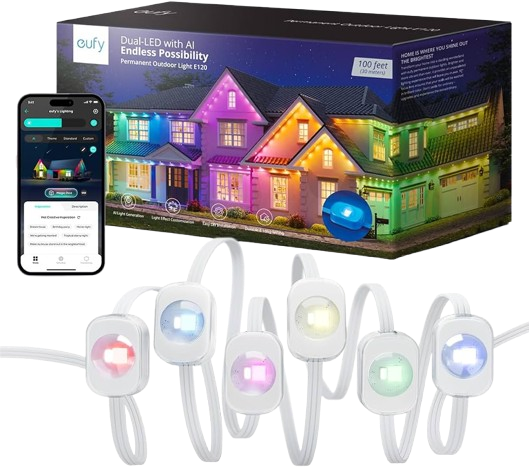
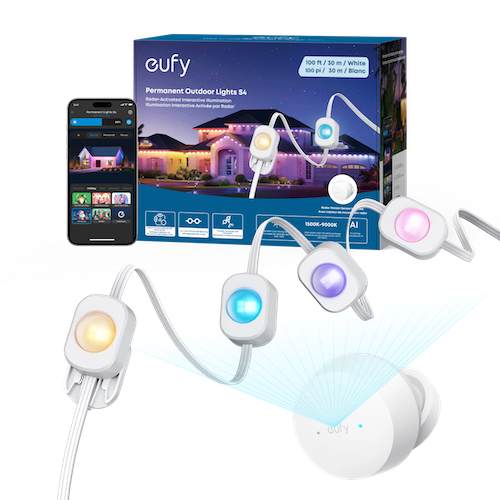
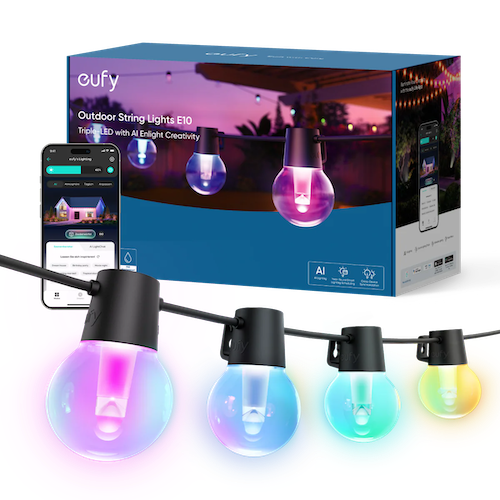
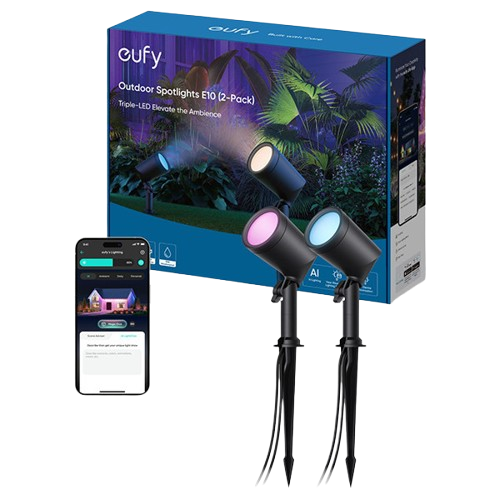
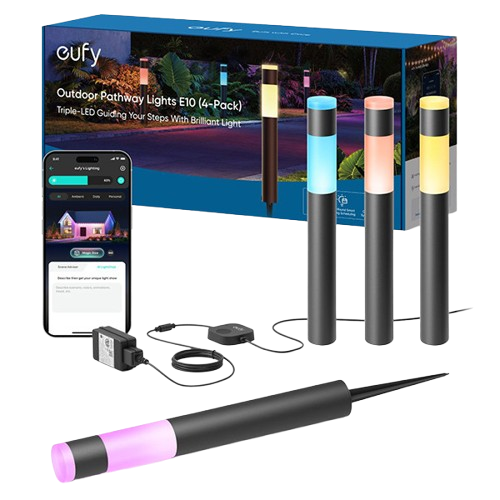
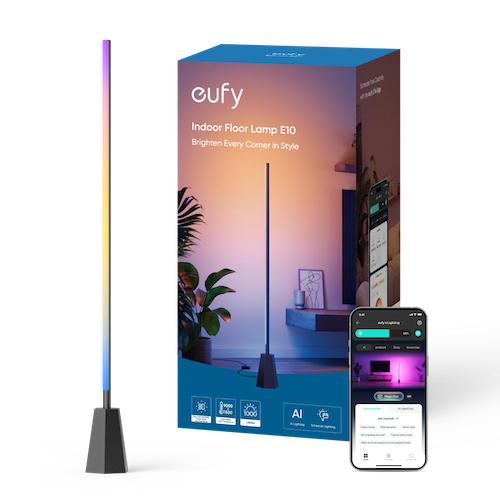
🔆 Smart lighting
The eufy Life smart-lighting line (smartLight capability — on/off, brightness, model-limited custom colour, and gallery effects), driven over secure MQTT. See the Smart lights guide. Every model code below resolves to the same capability for on/off and brightness; effect selection is currently limited to one model.